
2FA and MFA: why to enable it and not forget backup tokens
Two-factor authentication (2FA, or multi-factor MFA) is today one of the most effective protections of your accounts, and we highly recommend it. But it has one trap that many people fall for: backup tokens. Let us explain how 2FA works and why never to forget backup codes.
What 2FA and MFA are
With an ordinary login, a password is enough. Two-factor authentication adds a second factor, that is one more confirmation that it really is you. Most often it is a code from an app, an SMS or a confirmation on the phone. Even if someone gets your password, without the second factor they cannot get into the account. The abbreviation MFA means the same, there can just be more factors.
Why we highly recommend it
Passwords leak in every major data breach, and a password alone is no longer enough today. So 2FA is the most effective simple step to protect accounts. Enable it everywhere you can, especially on email, in your bank, on social media and in the cloud. Email is especially important, because other accounts can be recovered through it.
Types of the second factor
- An app (authenticator) generates codes even without the internet, the best ordinary choice.
- An SMS is better than nothing, but less secure, it can be intercepted.
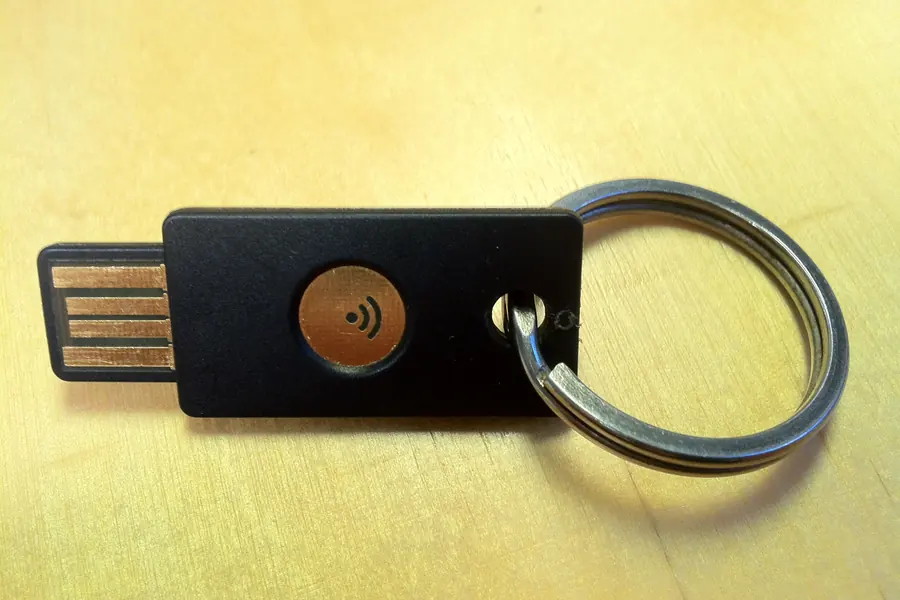
- A hardware key is the most secure, suiting critical accounts.
- A push notification confirms a login with one tap.
Watch out: backup tokens and codes
This is the main thing and most often underestimated. When you enable 2FA, the service gives you backup codes. These are one-time codes in case you lose the phone with the app. And here is the trap: if you lose the phone and do not have backup codes, you may no longer get into the account and can lose it permanently, even though you know the password.
So when enabling 2FA, a clear rule applies: always save the backup codes to a safe place away from that phone. Print them out, put them in a safe, in a password manager or on a second device. Never leave them only on the phone you might lose.
What to do if you lose your phone
If you lose your phone, you use the backup codes or a second device with the app to log in. That is why it pays to have the authenticator on several devices or with a backup, so losing one phone does not lock you out.
Practical tips
- Choose an authenticator with a cloud backup or have it on two devices.
- Keep the backup codes away from the phone.
- For the most important accounts, consider a hardware key.
Account security and 2FA
We set up 2FA securely and advise on password management and token backups, so you never lose an account. For homes and businesses in the Liptov region.
Get help securing accountsThis is also related to protection against phishing.
Tip: Create a truly strong, random password in our password generator.
This article is part of our Cybersecurity overview.
Frequently asked questions
What are 2FA and MFA and how do they work?
Why is enabling 2FA highly recommended?
What types of second factor are there?
What are backup codes for?
What happens if you lose your phone and do not have backup codes?
How do you log in to an account if you lose your phone?
Need help with IT?
We will take care of your computers, networks and security - for businesses and households in the Liptov region.
Contact us