
How much internet speed do you actually need
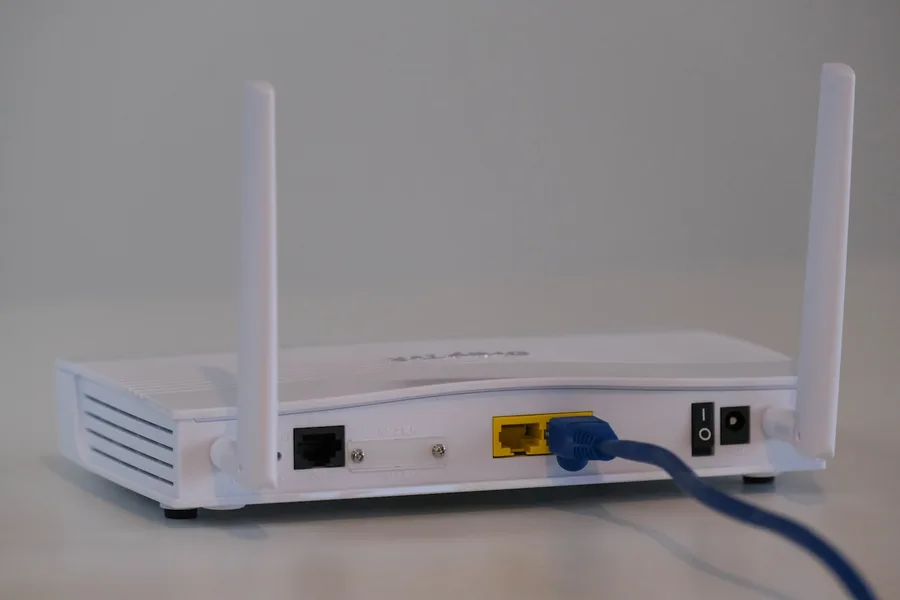
Photo: Compare Fibre · Unsplash
Providers offer 100, 300, 500 and 1000 Mbps, and the price gap raises the question: am I buying too much? Or, the other way round, will 100 be too little? The answer can be computed surprisingly precisely, because the consumption of each activity is well known. In this article we break it down, show why the real problem is usually upload and WiFi rather than the plan, and with our internet speed calculator you get a recommendation for your household in a few clicks.
What each activity needs
Rough values per activity at a single moment:
| Activity | Download | Upload |
|---|---|---|
| Browsing, social media | 1-5 Mbps | < 1 Mbps |
| Music, podcasts | 1-2 Mbps | < 1 Mbps |
| HD video (1080p) | 5-8 Mbps | < 1 Mbps |
| 4K video | 15-25 Mbps | < 1 Mbps |
| Video call (incl. group) | 3-5 Mbps | 3-5 Mbps |
| Online gaming | 3-10 Mbps | 1-3 Mbps |
| Game and update downloads | the more, the shorter | - |
| Home camera (remote view) | - | 2-4 Mbps per camera |
| Cloud backup, sending videos | - | 10+ Mbps |
Two things in the table surprise people. First, everyday activities are cheap; even a demanding household doing one thing at a time will not spend 25 Mbps. Second, concurrency decides: in the evening, when two streams run, one video call is on and someone updates a game, the numbers add up.
How to compute your own need
The simple procedure our calculator uses too:
- Add up the evening peak. How many 4K/HD streams run at once? How many video calls? Is anyone gaming?
- Add ~25 % headroom for the background: updates, backups, smart home.
- Round up to the nearest plan.
Example: a family with two 4K TVs (50), one video call (5), a gamer (10) and casual browsing by the rest (10) = a 75 Mbps peak, ~95 with headroom. A 100 Mbps plan fits exactly; 300 buys comfort and faster downloads, 1000 is a luxury, not a necessity. Not in the mood for arithmetic? The calculator does it for you, including an upload recommendation.
Upload: the underrated half of the plan
Adverts sell download, yet the modern household increasingly sends: video calls from the home office, photos and videos to the cloud, backups, home cameras. Asymmetric connections (typically DSL or cable) offer only a fraction as upload; why that is so is covered in why DSL has slow upload, and the difference between directions in download vs upload.
Practical upload minimums: 10 Mbps for a quiet household, 30-50 Mbps for home office with calls and cameras, more for large file work. Fibre usually comes with naturally high upload; with DSL and LTE, genuinely check it before ordering.
When the internet stutters, WiFi is often the culprit
The most common real-world situation: a fast plan paid for, video stuttering anyway. The culprit? Home WiFi, not the provider. A signal passing three walls delivers a fraction of the speed. The diagnosis is simple and we have a guide in how to measure internet speed: measure over a cable at the router, then over WiFi at the problem spot. If the cable numbers match, fix the coverage (router placement, mesh), not the plan; and definitely not with a WiFi repeater.
One more note for gamers: smooth play is determined by latency (ping), not Mbps. A stable wired link at 100 Mbps beats a gigabit over congested WiFi.
Choosing a plan, or fixing the WiFi?
We will measure what your household really needs, find out whether the bottleneck is the plan or the coverage, and design the solution: from provider choice to a whole-home mesh network. For homes and businesses in the Liptov region.
Help me with my internetSummary
Internet speed can be computed: add up your household’s evening peak (4K stream ~25, HD ~8, call ~5, gaming ~10 Mbps), add a quarter of headroom and round up to the nearest plan. Most couples are fine with 50-100 Mbps, families with 4K and home office with 300. Do not forget upload (min. 10, with cameras and calls 30+) and remember that stuttering is usually the WiFi’s fault, not the plan’s. Exact numbers for your case come from the internet speed calculator in half a minute.
This article is part of our Computer networks overview.
Comments and questions 0
We keep the discussion to the point. Ads, links to other services, profanity and personal attacks will not be published. Neither will posts containing other people's personal data.
Frequently asked questions
How many Mbps does an average household need?
What actually consumes the most speed?
Why does upload matter, not just download?
I have a fast plan but the internet still stutters. Why?
Does connection speed matter for gaming?
Is gigabit internet worth paying for?
Need help with IT?
We will take care of your computers, networks and security - for businesses and households in the Liptov region.
Contact us