
How to choose a PC power supply: the most underrated part you should not skimp on
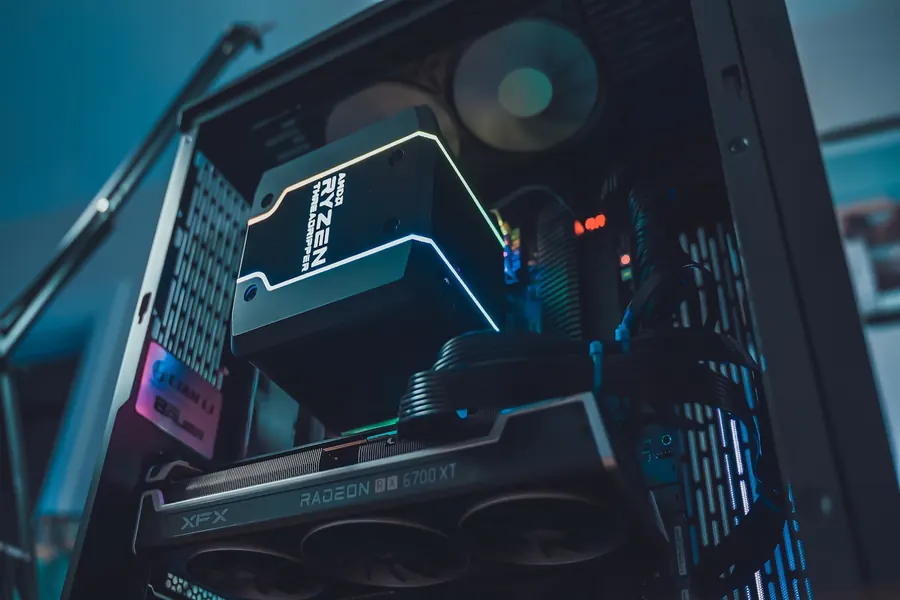
The power supply (PSU) is the part people skimp on most often, and that is a mistake. It powers absolutely everything in the computer, and its quality decides the stability and safety of the whole build. A cheap, undersized power supply can cause the system to crash and, in the worst case, even damage the other, far more expensive parts. Let us explain how to choose one that will serve you reliably for a long time.
What a power supply actually does
The power supply converts the alternating current from the wall socket into the direct-current voltages that the individual parts need. It powers the processor, the graphics card, the motherboard and the drives. When it fails or fluctuates, it shows up across the whole computer.
1. Enough wattage, but not needlessly much
The most important parameter is the power in watts (W), which must cover the consumption of all the parts. The graphics card draws the most of them, so it is what determines how strong a power supply you need.
It is sensible to choose a power supply with a modest headroom (roughly 20 to 30 percent extra) above the real consumption. The headroom keeps the unit in an efficient and quiet mode and leaves room for a future upgrade. But there is no need to overdo it. A huge power supply in an ordinary build is just money wasted.
2. The 80 PLUS efficiency rating
The 80 PLUS label (Bronze, Gold, Platinum and so on) tells you how efficiently the unit converts energy. A higher class means less heat, quieter operation and a slightly lower electricity bill. For most people the sensible and affordable compromise is the Gold level.
3. Quality and brand matter most
This is the most important advice in the whole article. Never buy the cheapest no-name power supply. That is exactly where corners are cut on protections and component quality, and exactly such a unit can, during a voltage spike, take the processor, board or graphics card down with it. A quality unit from a proven brand has protection against overvoltage, short circuits and overload and is an investment in the safety of the whole build.
4. The right connectors and modularity
- Connectors. The power supply must have the right power connectors for your graphics card (today an 8-pin (PCIe), or the newer 12VHPWR/12V-2x6 connector depending on the specific card) and for the processor. Check this against your specific graphics card before buying. A poorly seated 12VHPWR connector can overheat, so always push it fully home.
- Modular versus non-modular. With a modular power supply you connect only the cables you actually need. It does not affect performance, but it keeps the case tidy and improves airflow.
- Size (form factor). The standard is ATX; for small cases there is the smaller SFX format. Check what will fit in your case.
A good power supply outlives the next PC too
Unlike most parts, a power supply does not become outdated as quickly. You can easily move a quality unit into your next build a few years later. So it is a one-off investment spread across several computers, and one more reason not to skimp in the wrong place.
We will advise and build it for you
The right power supply has to be matched to the consumption of the graphics card and the rest of the build, and this is where many mistakes are made. We will gladly advise you on choosing a strong, quality power supply or build you a custom PC so the power safely feeds the whole machine.
A power supply you should not skimp on
We will advise on the right wattage and quality for your build, or build you a custom PC from scratch. For homes and businesses in the Liptov region.
Choose a PC power supplyThis article is part of our Hardware and components overview.
Frequently asked questions
Why should you not skimp on a power supply (PSU)?
How many watts should a PC power supply have?
What does the 80 PLUS certification mean?
What connector does a modern graphics card need from the PSU?
What is a modular power supply and is it worth it?
Can an old power supply be reused in a new PC?
Need help with IT?
We will take care of your computers, networks and security - for businesses and households in the Liptov region.
Contact us