
How to choose a motherboard: what to watch so it fits the rest
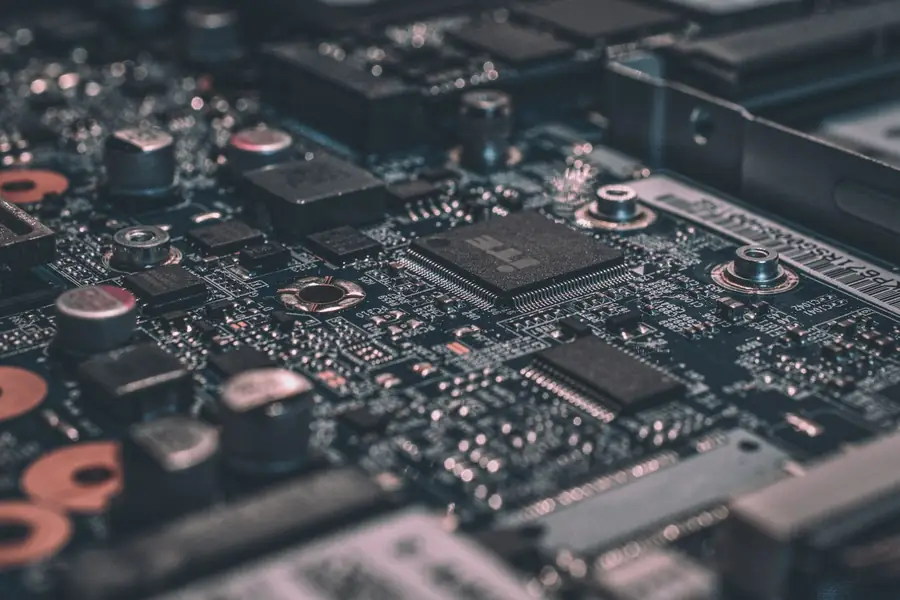
The motherboard is the backbone of the computer. It ties together the processor, memory, graphics card, drives and all the ports. It adds no performance on its own, but it decides what you can connect to the computer at all and how you can upgrade it later. A poor choice can needlessly limit the whole build, so it is worth taking a moment over it.
The most important rule: socket and chipset must match the processor
This is the absolute basics and at the same time the most common mistake. The processor must fit the socket on the board, and the board must have the right chipset that supports that processor. Otherwise you simply cannot put them together.
So when building a PC, always start from the processor and choose the board to suit it, not the other way around. The chipset also determines what features the board offers, how many ports it has and whether it allows overclocking.
The board size must fit the case
Motherboards come in several sizes (form factors) and must fit your case:
- ATX is the largest, with the most slots and ports. Suited to powerful and expandable builds.
- microATX (mATX) is smaller and cheaper, and is perfectly fine for most households.
- mini-ITX is the smallest, for compact computers, but it has fewer slots.
A larger board means more room to expand, a smaller one a more economical and compact computer. Choose according to how many things you plan to connect.
What to look at in the specifications
- Memory. Check the memory type (DDR4 or DDR5), the number of slots and the maximum capacity. DDR4 and DDR5 are not interchangeable.
- Storage. What matters is the number of slots for fast M.2 NVMe drives and the number of SATA ports for traditional drives and SSDs.
- PCIe slots. The main slot is for the graphics card, the others for any expansions. Look at their version too.
- Ports and connectors. The number and type of USB including USB-C, video outputs (needed if you use integrated graphics), and possibly built-in Wi-Fi, Bluetooth and a faster network card.
- Power delivery (VRM). With powerful processors a cheap board with weak power delivery struggles to keep the processor stable. So for a strong processor do not pick the cheapest board.
Do not buy a needlessly expensive or the cheapest board
With motherboards the advice cuts both ways. The cheapest models often skimp on power delivery and ports and do not suit a strong processor. The most expensive offer features for enthusiasts that an ordinary user will never use. The smartest approach is to match the board’s class to the processor and to what you plan to connect.
Think about future upgrades too
A good board lets you upgrade the computer later without replacing everything. It is worth checking whether it has free slots for memory and drives and whether its socket will also take newer processors. Then in future you only swap one part instead of the whole build. Note that a newer processor on an existing board often needs a BIOS update first, or the computer will not boot. Some boards can do this even without a processor fitted (the BIOS Flashback feature), which spares you the “bought a new CPU and it will not boot” surprise.
We will advise and build it for you
Choosing a board is about matching it to the processor, memory, drives and case all at once, which is exactly why it is so easy to go wrong. We will gladly advise you on the choice or build you a custom PC so everything fits together, runs reliably and can be expanded later.
Need help choosing a motherboard?
We will recommend a board that matches your processor and the rest of the build, and put together a custom PC for you. For homes and businesses in the Liptov region.
Get in touchThis article is part of our Hardware and components overview.
Frequently asked questions
How do I know if a motherboard fits my processor?
What is the difference between ATX, microATX and mini-ITX boards?
Why not buy the cheapest motherboard for a powerful processor?
Can I put a newer processor on an older motherboard?
What is the difference between DDR4 and DDR5 memory when choosing a board?
What are the PCIe slots on a motherboard for?
Need help with IT?
We will take care of your computers, networks and security - for businesses and households in the Liptov region.
Contact us