
How to edit a PDF: merge, split, sign and shrink
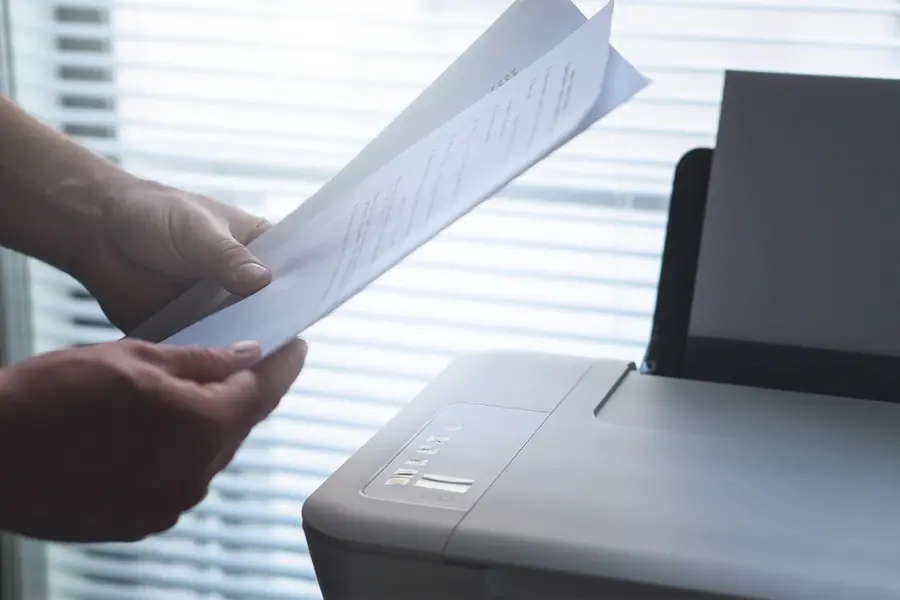
PDF is the most widespread format for documents because it looks the same on every device. The problem comes when you need to edit it. The good news is that you can handle most edits easily, often for free. Here is an overview.
Why a PDF is harder to edit
A PDF is built to display the same everywhere, not to be easily rewritten. That is why you do not work with it like with Word. For common tasks, however, there are simple tools.
The most common edits
Merge several PDFs into one
When you have a document in parts, a merge tool turns them into one file in the right order. Useful for contracts and scanned documents.
Split a PDF
The opposite task. From a large document you take only the needed pages or split it into several files.
Reduce PDF size
Scanned documents tend to be large. Compression reduces the size so they can be sent by email. Be careful that the text stays legible.
Fill in and sign
Forms can be filled in directly in the PDF and the document signed. For binding documents an electronic signature is useful, as it also has legal weight.
Convert PDF to Word or an image
If you need to edit the text further, conversion to Word helps. For scanned documents, OCR recognizes the text.
Protect with a password
A sensitive document can be encrypted with a password so that only the intended recipient can open it.
What to edit a PDF with: concrete free tools
So that this guide is not just theory, here are proven and genuinely working free tools:
- PDF24 (tools.pdf24.org). A free set of tools for merging, splitting, shrinking, converting and signing PDFs. It works right in the browser, but there is also a free offline app, PDF24 Creator for Windows, that processes everything right on your computer. That is ideal for sensitive documents.
- LibreOffice (libreoffice.org). A free office suite that, via the Draw module, opens and edits even a PDF right on your computer. More in the article on free alternatives.
- Stirling PDF. An open source tool that handles all PDF operations and can run locally, so the data does not leave your network. Suitable especially for companies, which relates to self-hosting.
- Browser and PDF readers. They handle basic tasks like filling in and signing directly, without installation.
An important rule: do not upload sensitive documents (contracts, IDs) to online tools that go to a foreign server. For those, reach for an offline solution (PDF24 Creator, LibreOffice or Stirling PDF).
All of this fits into a paperless office, where you handle documents digitally and clearly.
Need help working with PDF documents?
We help with editing, protecting and introducing a digital document flow in your company. For homes and businesses in the Liptov region.
Get in touchTip: Merge, split or create PDFs from images in our PDF tools.
This article is part of our Software and system overview.
Frequently asked questions
How do I merge several PDF files into one for free?
How do I shrink a PDF file so it can be sent by email?
How do I sign a PDF document without printing and scanning it?
How do I convert a PDF to Word so I can edit the text?
Is it safe to upload sensitive PDF documents to online tools?
Which free tool can I use to protect a PDF with a password?
Need help with IT?
We will take care of your computers, networks and security - for businesses and households in the Liptov region.
Contact us