
How to choose a tablet: operating system, size and performance
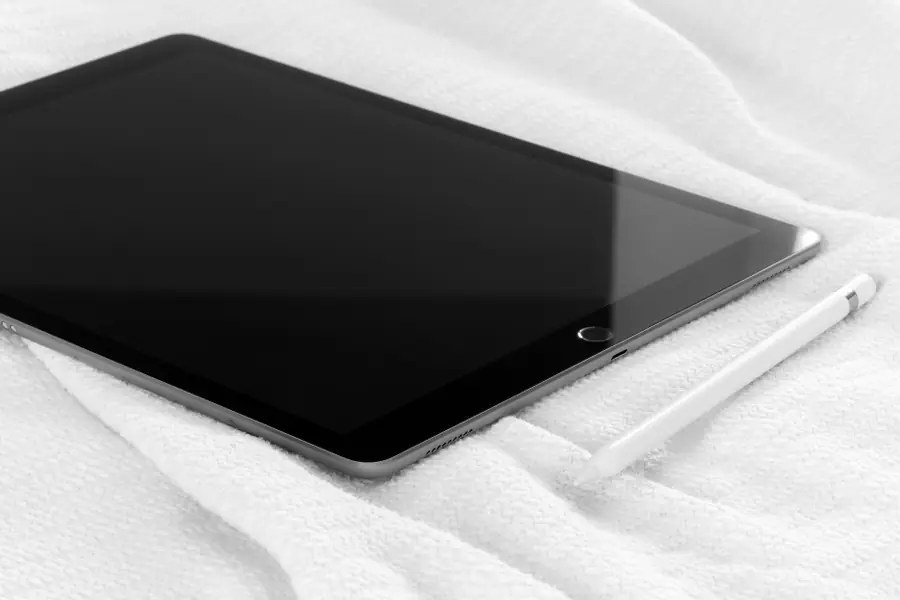
Photo: KA KIT · CC BY-SA 4.0 · Wikimedia Commons
A tablet is something between a phone and a laptop. It is light, portable and long-lasting, yet not every one suits the same thing. Let us explain how to choose a tablet based on what you will really use it for.
What a tablet is good for
A tablet excels at reading, watching videos, browsing, games, notes and drawing. It is lighter than a laptop and lasts longer. For demanding work with many programs, though, it does not fully replace a laptop.
Operating system
This is the most important decision:
- iPad (iPadOS) has the best-quality apps and smooth running, ideal for drawing and notes with a pen.
- Android offers the widest choice of devices and prices, from cheap to premium.
- A Windows tablet runs full Windows, so it is closest to a laptop and classic programs.
Size and display
- 8 inches is for reading and in hand, easily portable.
- 10 to 11 inches is an all-rounder for everything.
- 12 inches and more suits work and drawing, but is larger and heavier.
Also note the resolution and brightness, especially if you use the tablet outdoors.
Performance, RAM and storage
For ordinary use (reading, video, browsing) an undemanding tablet is enough. For games, drawing and several open apps at once, choose a more powerful model. Also note the memory (RAM): more RAM means the tablet keeps more apps open without slowing down. For storage the same applies as for a computer, more in the article how much disk capacity do I need. On Android it is worth checking whether the tablet has a memory card slot, because an iPad cannot be expanded afterwards.
Mobile data and battery life
Tablets usually come in two versions. The cheaper is Wi-Fi only, the more expensive also supports mobile data (LTE or 5G) via a SIM card, so you are online away from home too without depending on Wi-Fi. If you take the tablet out, into the car or to a cottage, the data version is worth it. Battery life on tablets is usually good, commonly a whole day of reading or video, but it drops with demanding games.
Ecosystem
When choosing, also think about what devices you already have. If you use an iPhone and a Mac, an iPad connects with them best (sharing files, photos, answering calls). On Android, phones and tablets of the same brand work well together. It is sensible not to mix ecosystems, as it saves you trouble with moving content around.
Accessories
- A keyboard makes the tablet a device close to a laptop.
- A pen (stylus) is great for notes and drawing. Note that not every tablet supports a pen, so if you draw, check this beforehand.
- A case or cover protects the display.
What for whom
- Reading and entertainment: a cheaper Android or a basic iPad.
- Notes and drawing: an iPad with a pen.
- A laptop replacement: a Windows tablet or an iPad with a keyboard.
If you are also considering a laptop, the article how to choose a laptop helps.
Not sure which tablet to choose?
We will advise based on what you need the tablet for, from reading to drawing and work. For homes and businesses in the Liptov region.
Get in touchThis article is part of our Hardware and components overview.
Frequently asked questions
Which tablet should I choose, iPad, Android or Windows?
What tablet size is best?
Do I need a tablet with mobile data?
Does every tablet support a drawing pen?
Can an iPad's storage be expanded with a memory card?
Can a tablet replace a laptop?
Need help with IT?
We will take care of your computers, networks and security - for businesses and households in the Liptov region.
Contact us