
How to choose a UPS (battery backup) and what types exist
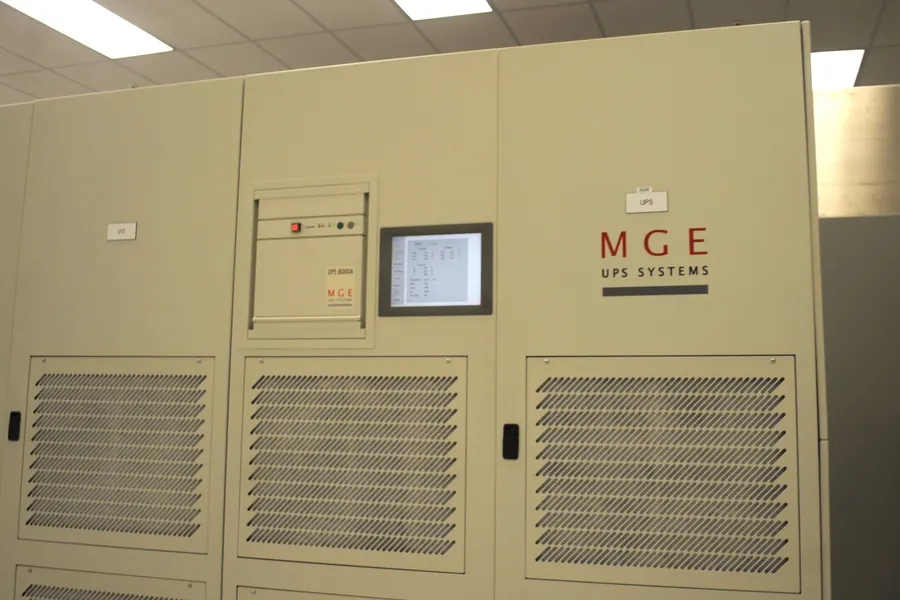
A UPS (uninterruptible power supply) bridges a power outage, protects equipment from surges and gives you time to safely save your work and shut the computer down. But when choosing one you run into types, abbreviations and figures in both VA and watts that are easy to get lost in. Let us explain clearly and in depth what types of UPS exist and how to choose the right one. If you mainly want to know why you need a UPS at all, read also the article on a UPS and surge protection.
What a UPS does
A UPS is a device with a battery that plugs in between the wall socket and your equipment. When the power fails, it bridges the outage from the battery instantly, so the computer or NAS does not shut off. It is not a replacement for a generator, the runtime is counted in minutes. The point is to give you time to finish and save your work and shut devices down properly, or to bridge short outages. At the same time it protects against surges and voltage fluctuations.
Three types of UPS (and how they differ)
This is the most important part of the choice. There are three basic types:
- Offline (standby) is the cheapest. It normally passes power from the socket and switches to the battery only on an outage, with a very short pause (a few milliseconds). It is enough for an ordinary home computer or a television.
- Line-interactive additionally includes automatic voltage regulation (AVR), which smooths out fluctuations without using the battery each time. It is the best value for money and the ideal choice for a computer, a NAS and network gear.
- Online (double-conversion) powers the connected equipment continuously through the battery, so there is no switchover at all on an outage and the output is perfectly clean. It is the most expensive and belongs to servers and sensitive equipment that runs non-stop.
For most households and small businesses, the right choice is line-interactive.
Pure sine wave versus approximated
An important and often overlooked detail. Cheap UPS units output a so-called approximated (stepped) sine wave on battery, while better ones output a pure sine wave like the socket. Modern computer power supplies with active PFC may whine on a stepped waveform or shut down outright after switching to the battery. If you are backing up a computer with a quality power supply, a NAS or network gear, choose a UPS with a pure sine wave.
How to size it correctly (VA and watts)
A UPS is labeled with two numbers: in volt-amperes (VA) and in watts (W). The watt figure matters more to you, because it tells the real load the UPS will handle. The procedure is simple:
- Add up the power draw of the devices you want to back up (computer, monitor, NAS, router).
- Add a reserve of roughly 20 to 30 percent.
- Choose a UPS whose wattage is above this sum.
As a rough guide, an ordinary computer with a monitor is fine with a UPS around 650 to 1000 VA, a NAS and network in a small office a bit more. Be careful not to compare VA alone, because the ratio between VA and watts differs between models.
How long a UPS lasts
The runtime depends on the load and the battery capacity. The more the UPS powers, the shorter it lasts. With a typical setup, count on the order of minutes, which is plenty to save your work and shut down. If you need a longer run, choose a model with expandable batteries. A UPS really is not a generator for hours of operation.
Which batteries and how to extend their life
The heart of every UPS is the battery, and it is the battery that wears out over time. There are two main types:
- Lead-acid (SLA/VRLA) are in the vast majority of ordinary UPS units. They are cheap and reliable, but have a shorter life, roughly 3 to 5 years, and are sensitive to heat.
- Lithium (LiFePO4) appear in newer and more expensive models. They last considerably longer, often 8 years and more, withstand more charge cycles and handle heat better, but are more expensive.
What shortens battery life the most is heat. Every few extra degrees noticeably eats into its life, so do not place a UPS next to a radiator, in a closed cabinet or in direct sun. A cool, ventilated spot is ideal. It also helps if the battery is not often fully discharged to the limit.
A few practical tips to get the most out of the battery:
- Do not overload the UPS. The closer you are to its maximum, the more the battery suffers. A reserve in power extends its life.
- Run an occasional test (many UPS units can do it themselves or via software), so you know the battery still holds.
- Replace the battery in time. When the runtime drops noticeably or the UPS reports a battery fault, replace it. An old battery not only fails to protect, but can also swell.
- For a longer shutdown charge the UPS and store it in a cool place, a discharged lead-acid battery degrades quickly.
And a reminder on runtime: if you need a longer run, do not look for a bigger battery in a small UPS, but a model with expandable battery modules straight away.
Features worth looking at
- Backed-up versus surge-only outlets. Many UPS units have some outlets with surge protection only (no battery). Plug important devices into the backed-up ones.
- Connection to the computer (USB) and software for an automatic and proper shutdown during a longer outage. With a NAS and servers it is almost a must.
- A replaceable battery. The battery wears out in 3 to 5 years, a replaceable battery extends the life of the whole device.
- A display and quiet operation, if the UPS is to stand on a desk or in the living room.
Which to buy
- A home computer and television: line-interactive around 650 to 1000 VA, ideally with a pure sine wave.
- A NAS and network running 24/7: line-interactive with a USB connection and shutdown software.
- A server and sensitive equipment: online (double-conversion) with a pure sine wave.
Not sure how big a UPS you need?
We will design and professionally install backup power tailored to your equipment. For homes and businesses in the Liptov region.
Get your backup power designedThis article is part of our Hardware and components overview.
Frequently asked questions
What type of UPS is best for a home computer?
What is the difference between offline, line-interactive and online UPS?
Why does a pure sine wave matter for a UPS?
How do I calculate what size UPS I need?
How long does a UPS last during a power outage?
How long does a UPS battery last and how can I extend its life?
Need help with IT?
We will take care of your computers, networks and security - for businesses and households in the Liptov region.
Contact us