
How to secure a WordPress website against hacking
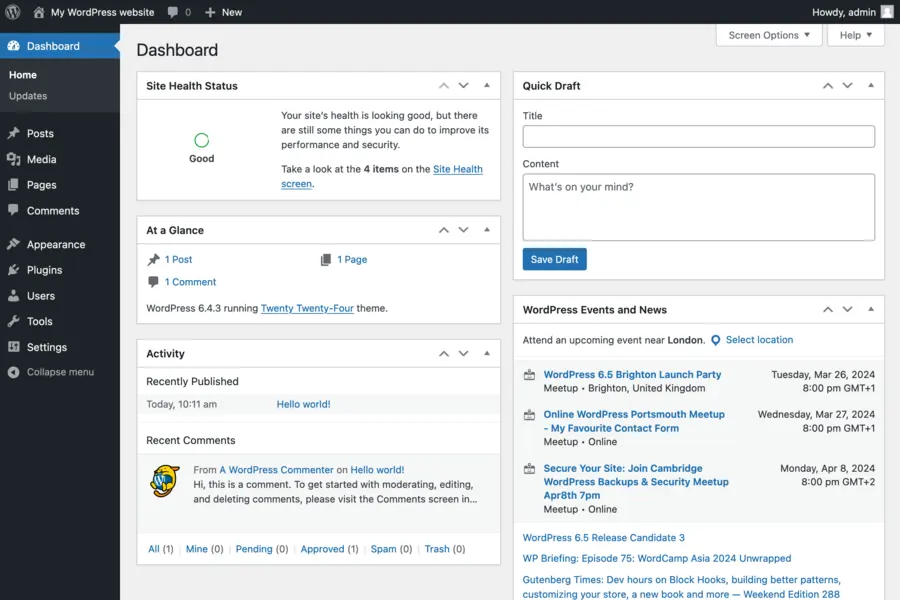
WordPress powers a large part of the internet, and that is exactly why it is the most common target of attacks. Attackers automatically scan thousands of websites looking for weaknesses. The good news is that most attacks can be prevented. Here is a practical guide on how to secure WordPress (or another CMS).
Why WordPress is a target
Not because it is dangerous, but because it is the most widespread. It pays for attackers to look for one flaw that works on millions of websites. Most often they get in through outdated software, weak passwords and vulnerable plugins. And that is exactly where you can defend.
1. Update everything regularly
The most important and most often neglected step. Update:
- WordPress itself (the core).
- The template (theme).
- All plugins.
An outdated plugin with a known flaw is the most common entry point. This relates to the article on updates: why not to postpone them.
2. Strong passwords and two-factor
- Strong and unique passwords for all accounts, especially administrator ones. A password manager helps.
- Two-factor authentication (2FA) for logging into the admin, more in the article on 2FA.
- Do not use the name admin as the administrator login.
3. Limit login
- A limit on login attempts, so an attacker cannot try passwords endlessly (a brute-force attack).
- Hiding or moving the login page, so automated attacks find it harder.
- A captcha at login and in forms.
4. Beware of plugins and themes
- Install only what you really need. Every extra plugin is another possible risk.
- Use only proven and actively maintained plugins and themes.
- Remove unused plugins and themes completely, do not just disable them.
5. Back up, back up, back up
Even with the best protection, something can happen. A regular backup of the whole website (files and database) means you quickly restore the website after a problem. The principle is discussed in the article on how to back up correctly. The backup should also be off the server itself.
6. HTTPS and a secure connection
The website must run on HTTPS with a valid certificate, more in the article on what an SSL/TLS certificate is. This protects login details and visitors’ data.
7. Protection at the server and network level
- A web firewall (WAF) filters out known attacks before the website.
- A CDN with protection, more in the article on what a CDN is, also helps against DDoS attacks.
- Quality and up-to-date hosting, more in the article on web hosting.
8. Watch what is happening
- Availability monitoring, so you know about a problem right away, more in the article on website availability monitoring.
- Tracking changes and logins, so you spot unusual activity.
What to do if your website is already hacked
If it is already too late, act quickly: take the website down temporarily, restore a clean backup from before the attack, change all passwords, update everything and find how the attacker got in, so it does not repeat. We can help with this.
Conclusion
WordPress is not dangerous, just popular, and therefore a target. You prevent most attacks with updates, strong passwords, sense with plugins and regular backups. A few extra steps make your website a much harder target.
WordPress website security
We secure, update and back up your website and take care of its operation, restoring it quickly if it gets hacked. For homes and businesses in the Liptov region.
Secure my websiteThis article is part of our Cybersecurity overview.
Frequently asked questions
Why are WordPress websites such a common target for attacks?
How often should WordPress and its plugins be updated?
How do I limit login attempts on the admin panel?
How often should a WordPress website be backed up?
What is a WAF and how does it help secure a website?
What should I do right after discovering my WordPress website was hacked?
Need help with IT?
We will take care of your computers, networks and security - for businesses and households in the Liptov region.
Contact us