
Updates: why not to delay them and how to tame them
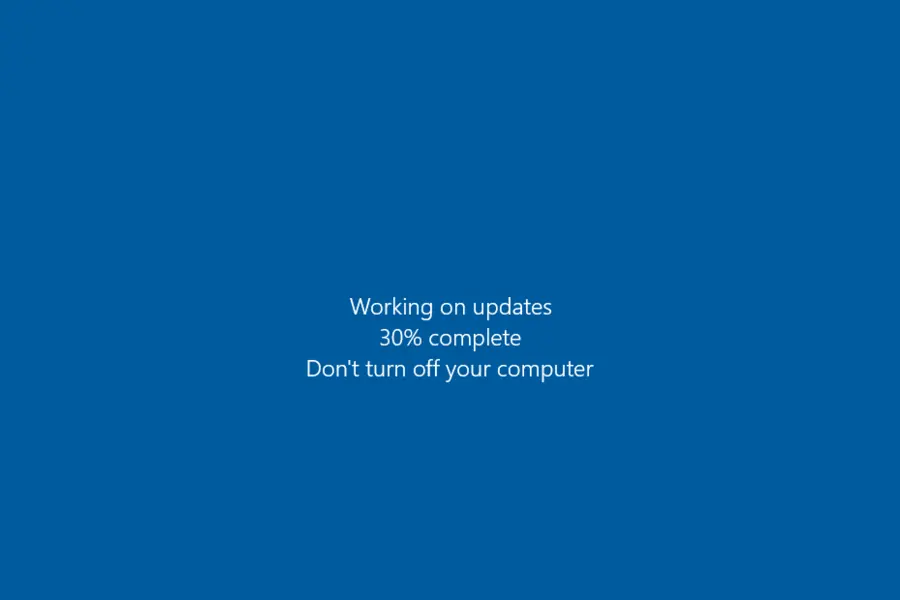
The “Remind me later” button on an update is one of the most expensive clicks you can make. A delayed update is not just about new features, but mainly about security. Let us look at why it pays not to neglect them and how to set them up so they do not annoy you.
What updates are actually for
An update deals with three things at once:
- Security. Patches close the holes through which attackers and ransomware get into the system. The vast majority of attacks use no fancy new technique, but old, long-fixed flaws in software that someone never updated.
- Stability. They fix bugs, crashes and slowdowns.
- Features and compatibility. They add new things and keep the software in tune with the rest.
What gets forgotten most often
Most people update the operating system these days. But the rest gets forgotten:
- the browser (the most common gateway to the internet, and therefore a target),
- the antivirus (an outdated antivirus only protects on the surface),
- the router firmware, which almost no one remembers, even though it is the entry point to the whole network,
- phones and smart devices in the home,
- apps and add-ons, especially those that work with the internet (an email client, office programs, browser extensions).
Common excuses and reality
- “It restarts at the worst possible moment.” You can set active hours during which the system will not restart, and schedule the restart for the night.
- “I am afraid it will break something.” With ordinary software this rarely happens. For bigger changes it is enough to have a backup, and for company systems to test important updates first.
- “It works anyway.” It works, but with the doors open.
When to wait a little
You do not need to rush absolutely everything. With major versions (a new system release or a large feature update, for example) a bug sometimes shows up that the vendor quickly fixes. If you are not the first to deploy it, you risk less. Waiting a few days is sensible, weeks and months are not, because you would be needlessly delaying security patches. Install security patches themselves right away.
Do not forget firmware and drivers
Updates are not only about applications. Firmware (built-in software) is updated in the router, the printer, and also in the computer’s motherboard (BIOS/UEFI). Drivers for the graphics card and other components bring not just performance, but also fixes for security flaws. Always download drivers from the manufacturer’s site, not from unknown “updaters”, which are often a trap themselves.
How to set it up sensibly
For most devices, turn on automatic updates and schedule restarts for a time when you are not using the computer. Before a big change (such as moving to a new system version) make a backup. And do not run software that has reached end of support, like Windows 10, because it no longer receives patches at all.
In a company it pays to have this handled systematically, so no computer is left with a gaping hole. We can help with security principles and with managing updates. Get in touch.
This article is part of our Software and system overview.
Frequently asked questions
Why do updates matter?
Which updates are forgotten most often?
Can an update break something?
How should I set updates up sensibly?
Does this apply to smartphones too?
Will you take care of updates for us?
Need help with IT?
We will take care of your computers, networks and security - for businesses and households in the Liptov region.
Contact us