
What is Hiren's BootCD PE and what it is for
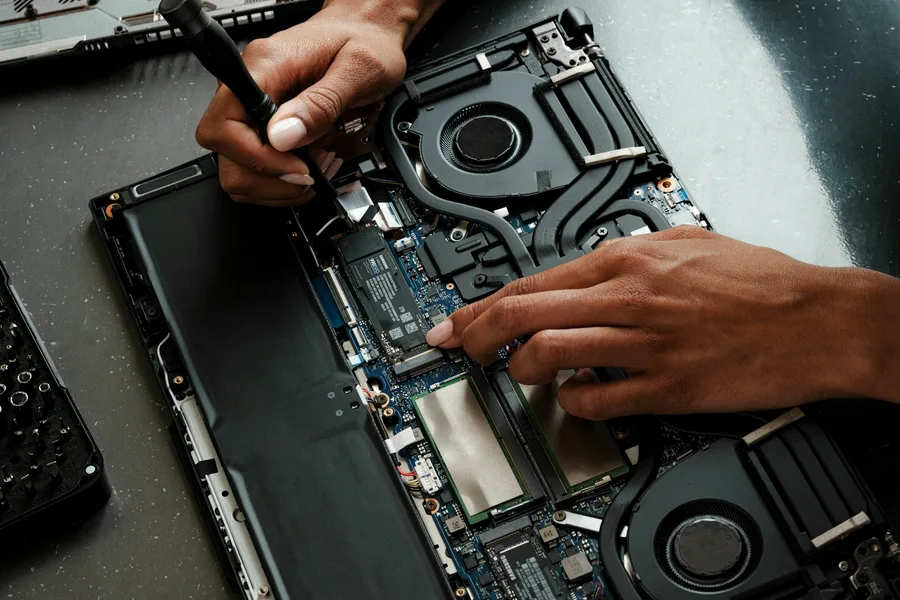
Sooner or later comes the moment when a computer stops cooperating in a way that simply locks you out. Windows will not boot, you have forgotten the password, or you need to pull data off a machine that only blinks and does nothing more. In such a situation a tool that works entirely independently of the broken system is gold. That is exactly what Hiren’s BootCD PE is.
What Hiren’s BootCD PE is
Hiren’s BootCD PE is a free rescue environment that starts from a USB stick or DVD and runs on its own, outside the installed system. The PE stands for Preinstallation Environment, a lightweight environment built on Windows that loads directly into memory. Thanks to that you can work with the computer even when its own system will not start at all.
It is the modern continuation of a legend. The original Hiren’s BootCD was a beloved rescue collection for years, whose development stopped around 2012. Today’s PE edition is community-maintained, built on current Windows PE and regularly updated, so it works on new hardware too.
What Hiren’s BootCD PE is for
Its strength is that it brings together in one environment a pile of tools you would otherwise hunt down one by one. The most used are:
- Data recovery: access to the disks and copying files off a computer that will not start.
- Disk and partition management: creating, changing and repairing partitions, cloning and backing up whole disks.
- Windows password reset and recovery: clearing a forgotten local password when you cannot get into your own computer.
- Disinfection outside the system: checking and cleaning malware when the installed system is infected and cannot be worked in reliably.
- Hardware diagnostics: memory tests, disk health checks (SMART), temperatures and performance.
- Network tools, a browser and a file manager for ordinary work right inside the rescue environment.
Put simply, it is a Swiss army knife for service. When you have no idea what exactly is wrong with the computer, Hiren’s gives you the tools to find out and fix it.
When it is worth reaching for
The typical situations are clear: the computer will not start and the screen stays black, you need to get data off a non-booting system before a Windows reinstallation, you have forgotten the password to your own computer, or the system is so infected that it cannot be properly cleaned from within. In all these cases the advantage is the same: you work from the outside, outside the problem system.
How to run it
The procedure is simple. You download its ISO image and write it to a USB stick. The most convenient way is Ventoy, onto which you just copy the ISO and have both Hiren’s and, say, the Windows installer on one stick. If you want a stick just for Hiren’s, Rufus will do too. Then you start the computer from the stick via the boot menu or a BIOS setting and the environment loads. From there you just pick the specific tools according to what you need.
Legality and responsibility
Hiren’s BootCD PE is a legal tool and it is free. It contains mostly free programs from various authors combined into one environment. What matters is how you use it. The password reset feature is meant for your own devices that you are authorised to access. Using it on someone else’s computer is unethical and illegal. Likewise, the powerful disk-management tools can also do harm with a careless click, so use them thoughtfully.
When to leave it to us
Hiren’s is a great helper, but it is no substitute for good judgement. If the disk holds data you cannot afford to lose, or the disk behaves oddly (clicking, disappearing, slowing down), a simple rule applies: every further attempt can make things worse. Then it is wiser to stop and hand it to us so we can rescue the data as safely as possible. The same goes for a dead external drive.
Conclusion
Hiren’s BootCD PE is a rescue environment that anyone serious about computers should know. In one bootable stick you have tools for data recovery, disk management, password reset, diagnostics and disinfection, and it all works independently of the broken system. Paired with Ventoy it is an unobtrusive but immensely useful kit. And when it comes to truly important data, it is better to get in touch before something breaks for good.
Computer will not start or need data rescued?
We reach the data even on a dead system, disinfect, test the hardware and tell you honestly whether a repair is worth it. For homes and businesses in Liptov.
I want helpThis article is part of our guide to Software and system.
Comments and questions 0
We keep the discussion to the point. Ads, links to other services, profanity and personal attacks will not be published. Neither will posts containing other people's personal data.
Frequently asked questions
What is Hiren's BootCD PE?
Is Hiren's BootCD PE free and legal?
What is Hiren's BootCD PE used for?
How do I run Hiren's BootCD PE from USB?
Can Hiren's BootCD PE reset a Windows password?
Will Hiren's BootCD PE rescue data from a computer that will not start?
Need help with IT?
We will take care of your computers, networks and security - for businesses and households in the Liptov region.
Contact us