
What is NAT (network address translation) and how it works
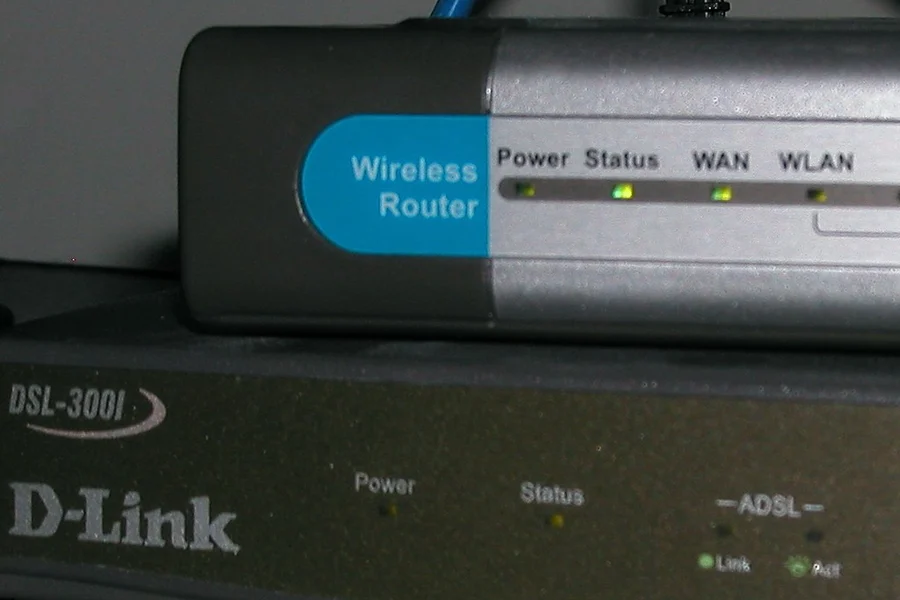
At home you can easily have ten devices online at once, yet your provider gave you just one public IP address. How can they all work at the same time? NAT takes care of that.
What NAT is
NAT (Network Address Translation) is a router function that translates the private IP addresses of your devices into one shared public address and back. Thanks to it, a whole household or company can share a single public address that the internet sees. For more on private and public addresses, see the article on network basics.
How it works in practice
When your laptop sends a request to a website, the router notes which device and which port sent it, rewrites the sender to the public IP and sends it out. When the reply comes back, it uses its table to return it to the right device. It is all invisible and happens thousands of times a second, without you knowing.
Why NAT came about
Public IPv4 addresses are scarce, there simply are not enough for every device in the world (we cover the difference with the newer protocol in IPv4 vs IPv6). NAT made it possible to hide a whole set of devices behind one address, which greatly extended the life of IPv4. A side effect is some protection too: from the outside you cannot simply connect to devices on the network, because they have no public address of their own.
When you need to expose a service
Precisely because the devices are hidden, sometimes you need to make an exception. To expose a camera or server from outside, you use port forwarding, which tells the router which device to send a given type of traffic to.
CGNAT: when the provider also does NAT
Some providers today do not even give your router a public IP and do another NAT on their side (it is called CGNAT). Then port forwarding does not work and you have to ask the provider for a public IP address. If remote access to your home camera or server is not working, this is often the cause.
Summary
NAT is a quiet translator between your network and the internet. Thanks to it, more devices work through one address. In most cases you do not have to think about it, it mainly matters when you need to expose something from outside.
And when you need to expose something to the outside safely, we can help with the setup.
Need to expose a camera or server from outside?
We will set up port forwarding or a safer VPN alternative built around exactly what you need accessible. For homes and businesses in the Liptov region.
Set up outside accessThis article is part of our Computer networks overview.
Frequently asked questions
What does the abbreviation NAT mean?
Why was NAT created in the first place?
How does NAT work in practice?
Why is my port forwarding not working?
Does NAT protect me from internet attacks?
When do I need to deal with NAT and port forwarding?
Need help with IT?
We will take care of your computers, networks and security - for businesses and households in the Liptov region.
Contact us