
What is a port in a computer network and what it is for
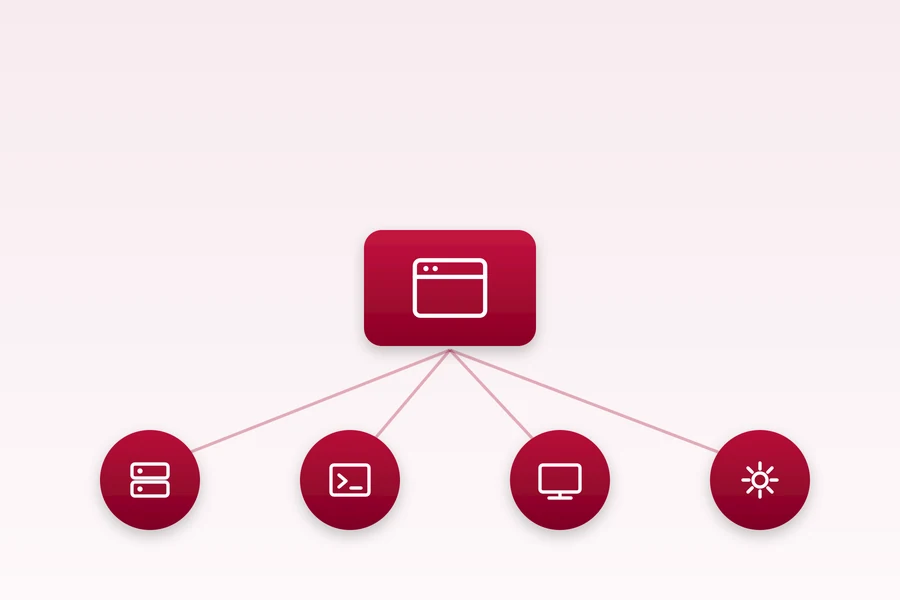
A single server can handle web, e-mail and other services at once through one IP address. How does it know what belongs to whom? By the port.
What a port is
A port is a number the network uses to tell which service or application a given piece of traffic belongs to. While the IP address says which device, the port says which service runs on it. Picture the IP address as a building and the port as a door number inside it.
Well known ports
Some ports are fixed: web runs on port 80 (and 443 for secure HTTPS), e-mail and other services have their numbers, SSH for example port 22. Thanks to that the browser knows where to connect without you typing the port by hand.
A port and exposing a service
When you want to expose a service from your home network to the outside, you set up port forwarding on the router. This is closely tied to NAT, which hides devices behind one public address.
Physical versus logical port
Watch out for the mix-up. A “port” in this sense is a logical number in communication, not a physical socket. Physical ports are, for example, the sockets on a switch or USB connectors. The same word, two quite different meanings.
Summary
A port is the door number that tells the network which service traffic belongs to. Thanks to ports, one device can serve several services at once.
Opening and securing ports
We set up port forwarding on your router, open only what is needed and check your firewall rules. For homes and businesses in the Liptov region.
Get my ports set upThis article is part of our Computer networks overview.
Frequently asked questions
What is a port in a computer network?
What is the difference between port 80 and port 443?
What is port forwarding?
What is the difference between a physical and a logical port?
Which port does SSH run on?
Why does a device have several ports open at once?
Need help with IT?
We will take care of your computers, networks and security - for businesses and households in the Liptov region.
Contact us