
What is Rufus: fast creation of a bootable USB
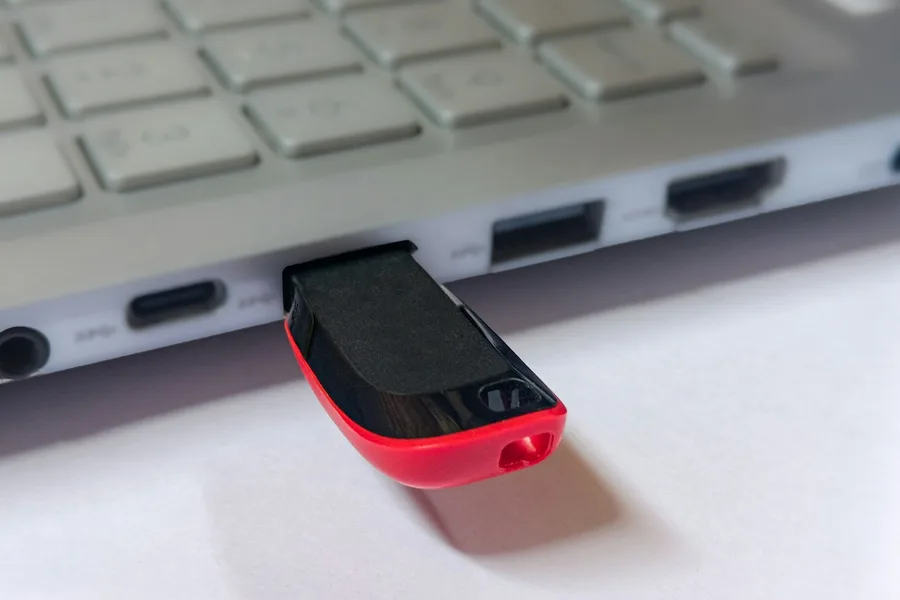
When you need to reinstall Windows, try out Linux or start a rescue environment, you first need one thing: a bootable USB stick. And to create one on Windows there is a small tool that has earned a reputation as a reliable helper over the years. It is called Rufus, and although it is barely a few megabytes, it does its job fast and without fuss.
What Rufus is
Rufus is a free, open-source program for Windows that turns an ISO image into a bootable USB stick. Put simply: it takes a system’s installation file and writes it to the stick so the computer can start from it. That is exactly what you need for a clean install of Windows, for example.
Its charm is in its simplicity. You do not have to install Rufus, you just download a small file and run it. It is fast, clear, and it has been developed for years by a single author who prides himself on doing one thing, but doing it properly.
How Rufus works
The whole procedure is a matter of a few clicks:
- Pick the USB stick to be written to. Careful, its contents will be erased.
- Pick the ISO file with the system you want to get onto the stick.
- Rufus itself suggests the right settings (such as the partition scheme and whether it is older BIOS or modern UEFI) and you just press Start.
A few minutes later you have a finished bootable stick that you start the computer from to install or repair the system. Rufus makes most of the technical decisions for you, so there is nothing to fear even as a less experienced user.
What Rufus is good for
Rufus is most often used for:
- A Windows installer, meaning a clean install or system reinstallation.
- A Linux installer, when you want to try out or deploy a distribution.
- Rescue and diagnostic environments, for example Hiren’s BootCD PE, which you use to rescue a computer that will not start.
In all cases the principle is the same: from an ISO file you get a stick that starts the computer independently of the installed system.
Rufus versus Ventoy
This is the most common question, and the answer is simple: they are not rivals but tools for a slightly different purpose.
- Rufus writes one specific system to the stick. When you want a different one, you rewrite the stick from scratch. That is ideal when you want a single reliable installer and nothing more.
- Ventoy turns the stick into a multiboot onto which you just copy several ISO files and pick from a menu at startup. It suits carrying a whole kit on one stick.
Put simply: Rufus is simplicity for one purpose, Ventoy is versatility for several systems at once. Many technicians use both, Rufus for a reliable Windows installer and Ventoy for a service stick full of tools.
Handy extra features
Rufus is not just an ISO writer, it can do a few clever things. The best known is that when creating a Windows 11 installer it can optionally bypass requirements such as TPM 2.0, Secure Boot, the memory check or the mandatory sign-in with a Microsoft account. Thanks to that you can cleanly install even on a computer that officially does not meet the conditions. On top of that it can download the official Windows ISO directly, and for some Linux distributions it can prepare so-called persistence, a stick that remembers changes.
What to watch out for
Two things to keep in mind. Writing erases the stick, so double-check that you picked the right USB, not, say, an external drive with data. And as with any such tool, download Rufus and the ISO files only from official sources, because with systems from dubious sites you risk a tampered or infected version.
Conclusion
Rufus is a small but immensely useful tool that anyone who ever reinstalls a system themselves should know. It turns an ISO file into a bootable USB stick quickly and reliably, and its tricks around Windows 11 make it a mainstay. If you need one honest installer, Rufus is ideal. And when you want a whole kit on a single stick, combine it with Ventoy.
Need to reinstall or rescue a system?
We will prepare a bootable stick, reinstall Windows or Linux and rescue data from a dead computer. For homes and businesses in Liptov.
Get in touchThis article is part of our guide to Software and system.
Comments and questions 0
We keep the discussion to the point. Ads, links to other services, profanity and personal attacks will not be published. Neither will posts containing other people's personal data.
Frequently asked questions
What is Rufus?
Is Rufus free and safe?
What is Rufus used for?
What is the difference between Rufus and Ventoy?
Can Rufus make a Windows 11 installer without TPM and a Microsoft account?
Does Rufus work on Mac or Linux?
Need help with IT?
We will take care of your computers, networks and security - for businesses and households in the Liptov region.
Contact us