
What a server is: a detailed explanation for companies and homes
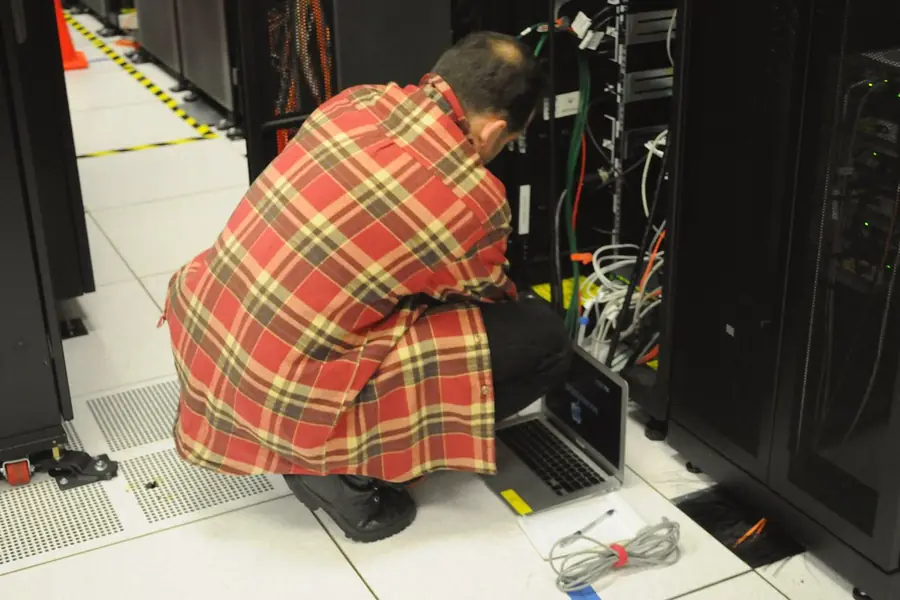
We hear the word server often, but few know exactly what it is. It is nothing mysterious, it is a computer with a specific job. Let us explain in detail what a server is, how it differs from an ordinary computer and when you need one.
What a server is
A server is a computer that provides services or data to other devices on a network. Those other devices (computers, phones, printers) are called clients. The client asks for something, the server provides it. Hence the name: the server serves.
Example: when you open a website, your browser (the client) asks the web server for the page and it sends it. This happens all the time, we just do not realize it.
How a server differs from an ordinary computer
Technically a server is also a computer, but it is built for different work:
- It runs continuously, often for years without shutdown.
- Reliability first. It has higher-quality components and redundant parts (power, disks).
- It serves several users at once, so it has more performance, memory and network cards.
- It often has no monitor or keyboard, it is managed remotely.
- Data protection. Disks tend to be in a RAID array, so a failure of one disk does not mean data loss.
An ordinary computer is built for one user and work during the day. A server for the continuous and reliable service of many.
What types of servers exist
A server is usually named according to what it does:
- A web server delivers web pages.
- A file server stores and shares files within a company.
- A mail server manages emails.
- A database server stores and makes data available to applications.
- An application server runs company software.
- A backup server keeps data backups.
One physical server can take on several roles at once.
Physical, virtual and cloud server
- A physical server is a real machine at your premises or in a data center.
- A virtual server. On one physical machine, several separate servers run thanks to virtualization, more in the article on what a hypervisor is. This saves costs and space.
- A cloud server you rent from a provider and pay by usage, similar to hosting.
Where a server is used
- In a company for sharing files, emails, company software and central management.
- On the internet for websites, applications and services.
- At home as a home server (NAS) for backups, media and the smart home.
When you need a server
- When several people need to share data and applications centrally and securely.
- When data must not be only on one computer and needs protecting.
- When you run a website, application or company system.
- When you want central management of access and security, which also relates to the Zero Trust model.
A small company sometimes gets by with cloud services, other times its own server is worth it. It depends on needs, data and budget.
Conclusion
A server is a computer that reliably and continuously serves others. It differs in its emphasis on reliability, performance and data protection. Whether you need a physical, virtual or cloud one depends on what you are addressing.
Considering a server for your company or home and unsure which path is right? Get in touch, we will design a solution based on your needs and budget.
Not sure what server your company or home needs?
We advise, design and deploy a physical, virtual or cloud server tailored exactly to your needs. For households and businesses in Liptov.
Get a free consultationThis article is part of our Business IT overview.
Frequently asked questions
What exactly is a server and how does it differ from an ordinary computer?
What types of servers exist?
What is the difference between a physical, virtual and cloud server?
When does a company or home need its own server?
How does a server protect data from being lost?
Can you have a server at home, not just in a company?
Need help with IT?
We will take care of your computers, networks and security - for businesses and households in the Liptov region.
Contact us