
What is a network card (NIC) and what it is for
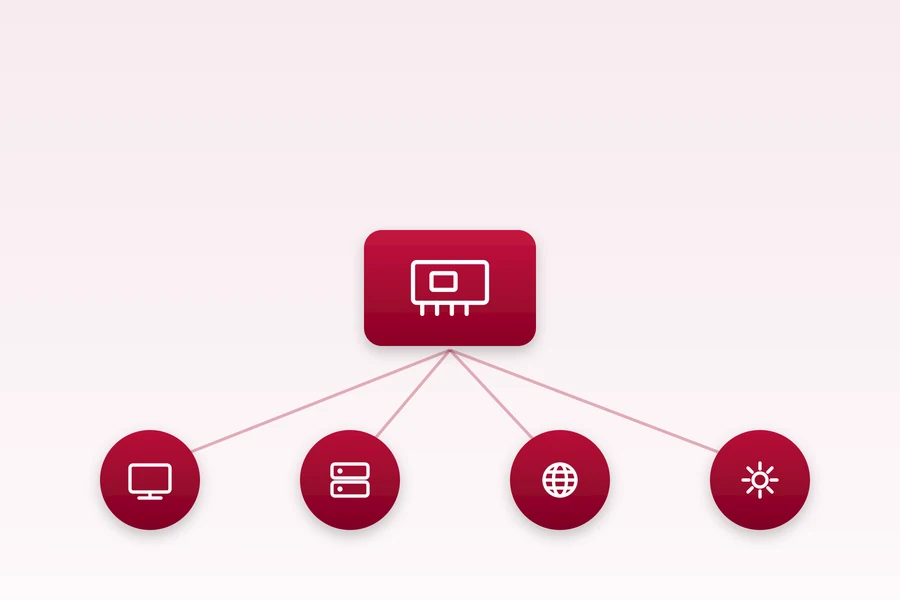
For a computer to reach the network and the internet, it needs an interface that connects it. That interface is the network card.
What a network card is
A network card (NIC, Network Interface Card) is the component that connects a computer or other device to the network. It can be wired (ethernet) or wireless (Wi-Fi). Each has its own unique MAC address, by which the network recognises it.
Built-in versus separate
These days the network card is usually right on the motherboard or in the laptop, so you never think about it. Separate cards (in a PCIe slot or over USB) are useful when you want a faster connection, a second interface, or when the built-in one is missing or fails.
When the card is missing
Thin laptops and MacBooks often have no ethernet socket. Then a USB network adapter helps. And if you need two networks at once, you can use a computer with two network cards.
Wire versus Wi-Fi
A wired card is more stable and faster, a wireless one more convenient. For desktops and servers a cable pays off, for mobile devices Wi-Fi. How the router, switch and other parts fit together we explain in the difference between them.
Summary
A network card is the computer’s gateway to the network. Mostly it is built in and you never deal with it. It matters mainly during an upgrade, when you need a second interface, or when the built-in one fails.
Dealing with a network card?
We will advise on choosing and fitting one, whether for a home setup or a company server. For homes and businesses in the Liptov region.
Get in touchThis article is part of our Hardware and components overview.
Frequently asked questions
What is a network card (NIC)?
Is a network card built in or a separate component?
What can I do if my laptop has no ethernet socket?
Is a wired connection faster than Wi-Fi?
What is a MAC address for?
When do I need a computer with two network cards?
Need help with IT?
We will take care of your computers, networks and security - for businesses and households in the Liptov region.
Contact us