
What TPM 2.0 is and why Windows 11 requires it
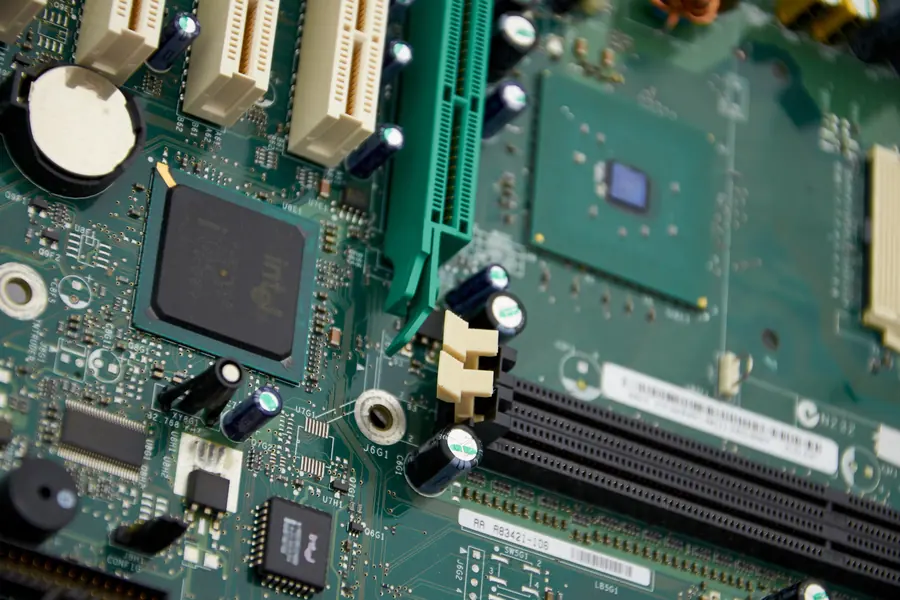
When moving to Windows 11, many people came across the abbreviation TPM and a message that the computer does not meet the requirements for the first time. What actually is TPM and why does Microsoft insist on it? Let us explain it clearly.
What TPM is
TPM (Trusted Platform Module) is a small security chip in the computer that protects sensitive data, especially encryption keys. It works like a secure vault right in the hardware. The keys and passwords stored in it cannot just be read or copied, not even when malicious software gets into the system.
The TPM 2.0 version is the newer standard, and it is precisely the one Windows 11 requires.
What TPM is for
In practice it takes care of several important things:
- Disk encryption. TPM securely keeps the key for encrypting the disk (for example BitLocker), so the data on a stolen laptop stays unreadable. More in the article disk encryption (BitLocker, FileVault).
- Secure sign-in. It helps with signing in by fingerprint or PIN (Windows Hello) and with modern passwordless sign-in.
- Verifying system integrity. It works with Secure Boot and checks that the system started up trustworthily and that nobody tampered with it.
Why Windows 11 requires it
Microsoft wanted to raise the basic level of security for everyone. TPM 2.0 makes it possible for features like disk encryption and secure sign-in to be a matter of course, not an exception. That is why TPM 2.0 is one of the main requirements of Windows 11, more in the article Windows 10 has ended, moving to Windows 11.
How do I find out whether I have TPM 2.0
The quickest way is this:
- Press Win + R, type tpm.msc and confirm.
- The TPM Management window opens. If TPM is available, you will see its status and version (it should be 2.0).
- If it shows that TPM was not found, that need not be the end.
What if I seemingly do not have it
Many newer computers have TPM, it is just disabled in the BIOS. It often hides under a name like PTT (Intel) or fTPM (AMD). You just enable it in the settings, more about the BIOS in the article how to enter the BIOS. If the processor or the board really does not have it, either an add-in module or a newer computer helps.
What to keep in mind
- TPM is not an antivirus. It protects keys and the integrity of the system, but it does not replace protection from viruses or caution.
- Enable encryption deliberately. If you encrypt the disk, it is important to have the recovery key saved. Without it, you will not get to the data after a problem.
Conclusion
TPM 2.0 is a small security chip that protects encryption keys and helps with secure sign-in and verifying the system. Windows 11 requires it so that security is a matter of course. Many computers have it, you just need to enable TPM in the BIOS. It is a silent guardian in the background you mostly do not even know about, yet it does important work.
Checking your Windows 11 readiness
We check whether your computer meets the Windows 11 requirements, enable TPM in the BIOS and set up disk encryption. For homes and businesses in the Liptov region.
Get my computer checkedThis article is part of our Cybersecurity overview.
Frequently asked questions
What is TPM 2.0?
Why does Windows 11 require TPM 2.0?
How do I find out whether my computer has TPM 2.0?
What should I do if TPM was not found?
What is TPM used for besides disk encryption?
Is TPM the same as an antivirus?
Need help with IT?
We will take care of your computers, networks and security - for businesses and households in the Liptov region.
Contact us