
What is Ventoy: one USB stick, a multiboot for everything
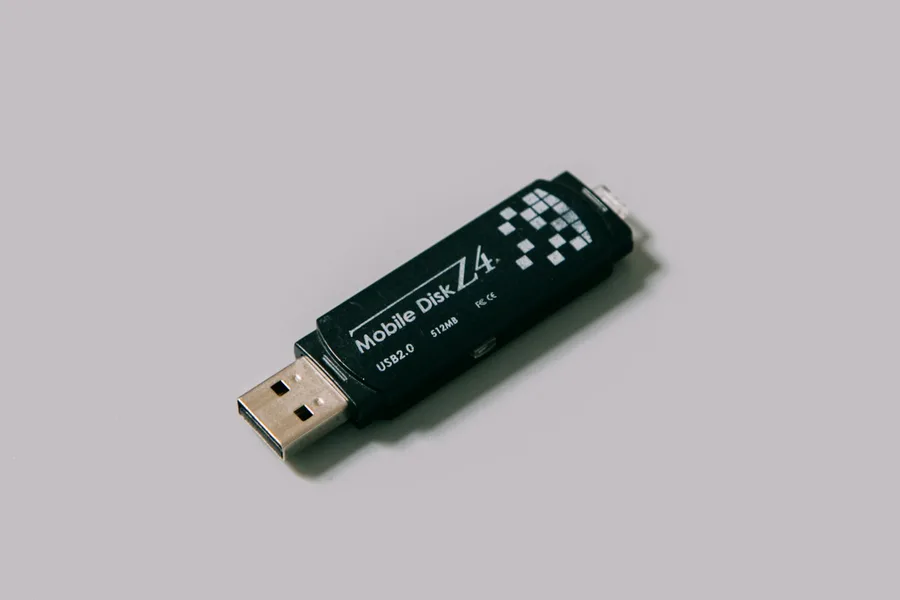
Anyone who has ever needed to reinstall Windows, try out Linux or rescue a dead computer knows the loop: download an ISO file, use a program (for example Rufus) to “burn” it onto a USB stick, use it, and when you need a different system a week later, rewrite the whole stick from scratch. One stick, one system. Ventoy abolishes this nonsense, and it is one of those tools that makes you wonder how you ever managed without it.
What Ventoy is
Ventoy is a free, open-source tool that turns an ordinary USB stick into a bootable multitool. The core idea is brilliantly simple: you install Ventoy onto the stick only once, and from then on you just copy ISO files onto it like any other files. When the computer starts, a clear menu loads from the stick and you pick which system or tool you want to run.
The difference from the classic approach is fundamental. Before, you had to rewrite the whole stick with every change and only one system fit on it. With Ventoy you can easily keep ten different systems on a single stick and switch between them with one click.
How it works in three steps
- Installation (once). You prepare the USB stick through the Ventoy program. This step formats the stick, so do not put anything important on it first.
- Copying ISOs. You simply drag any ISO files onto the stick, exactly as you would copy photos. No burning, no special programs.
- Booting. You start the computer from the stick and pick what to run in the Ventoy menu. Want to add another system? Just copy another ISO onto it.
The whole magic is that Ventoy takes care of the rest. You do not have to worry about how each image is built, you just need it on the stick.
What you can put on it
This is where Ventoy really shows its strength. A single stick holds a complete kit:
- Operating system installers: Windows and various Linux distributions, which you can also conveniently just try out.
- Rescue and service environments: for example Hiren’s BootCD PE for data rescue and repairs, or other WinPE tools.
- Hardware diagnostics: memory tests, disk-checking tools and the like.
- Antivirus rescue disks to disinfect a computer outside the installed system.
How much you put on the stick is limited only by its capacity, not by Ventoy. On a good USB 3.0 stick with enough space you carry a whole service arsenal in one piece.
Why Ventoy is so practical
For a technician, Ventoy is a saving of time and space in one. Instead of a drawer full of labelled sticks, one with Windows, another with Linux and a third for rescue, you have a single universal one. But it serves a home user just as well, someone who wants to reinstall the system now and then, or just try whether Linux will revive an older computer.
The added value is flexibility. When a new version of a system comes out, you do not have to rewrite anything, you just drop the new ISO onto the stick and delete the old one if you like. The stick behaves like ordinary storage.
What to watch out for
To be fair, the limits deserve a mention too. The first installation formats the stick, so back up whatever is on it beforehand. On some computers with active Secure Boot the launch has to be confirmed once at first, which Ventoy handles. And although Ventoy itself is safe, you are responsible for the content of the ISO files, so download them only from official and trusted sources, otherwise you carry onto the stick exactly what you are trying to protect against.
Ventoy and rescuing a computer
The most common pairing we deploy with Ventoy is precisely rescuing a dead computer. Alongside the Windows installer you can prepare a rescue environment on the stick that lets you reach the data even when the system will not boot at all. We wrote a separate article about what such an environment offers, What is Hiren’s BootCD PE. Ventoy is the ideal way to always have it at hand.
Conclusion
Ventoy is one of those small tools that quietly make life easier. It turns a single USB stick into a universal multiboot on which you keep installers, rescue tools and diagnostics together and switch between them with one menu. It is free, open and reliable. If you do anything with computers beyond ordinary use, it belongs in your kit.
Need to reinstall a system or rescue a computer?
We will prepare, reinstall and rescue, whether it is Windows, Linux or data from a dead machine. For homes and businesses in Liptov.
Get in touchThis article is part of our guide to Software and system.
Comments and questions 0
We keep the discussion to the point. Ads, links to other services, profanity and personal attacks will not be published. Neither will posts containing other people's personal data.
Frequently asked questions
What is Ventoy?
Is Ventoy free and safe?
How do you use Ventoy?
Does Ventoy erase data on the USB stick?
What files does Ventoy support?
Does Ventoy work with UEFI and Secure Boot?
Need help with IT?
We will take care of your computers, networks and security - for businesses and households in the Liptov region.
Contact us