
Email with your own domain: why @gmail hurts a business
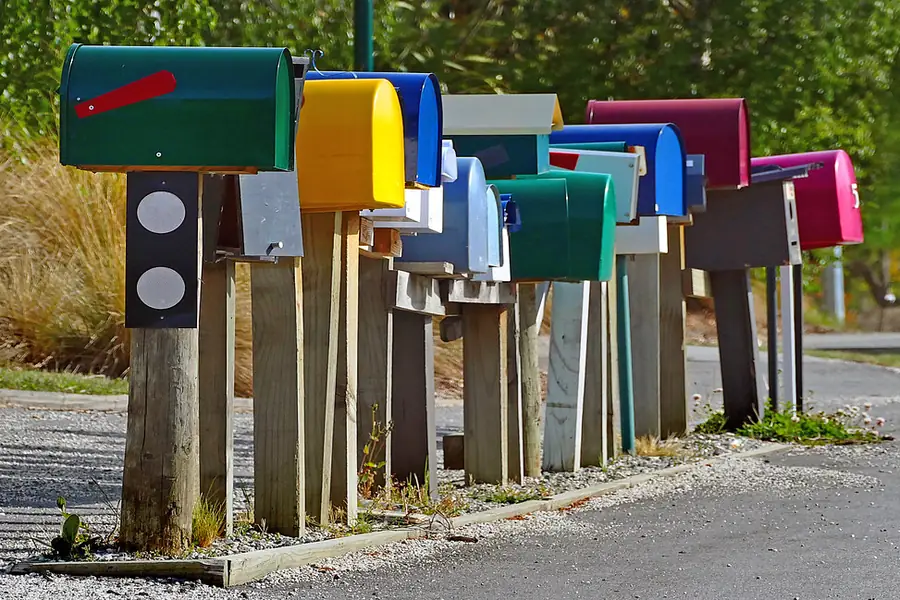
When a company writes to you from mycompany123@gmail.com, it looks amateurish and untrustworthy. By contrast, name@mycompany.com looks serious and builds trust. Email with your own domain is one of the cheapest things that instantly raises a company’s professionalism.
Why your own domain makes sense
- Credibility. An address with the company name looks serious and customers trust it more. With a free address you are never sure whether it is a scammer.
- It is yours. You control the domain and the addresses, not some free provider that can change the rules at any time.
- Order and brand. You can have
info@,invoices@andname@on the same domain, all tidy and in one style. - Continuity. When an employee leaves, the address stays with the company along with its history; it does not disappear with their private account.
How it works
The principle is simple: you have a domain (for example mycompany.com) and on it runs an email mailbox with a provider, for example via Microsoft 365, Google Workspace or as part of web hosting. You manage it from your usual mail app, phone and browser; only the address carries your company name.
Which solution to choose
The options differ in price and scope, and it is worth choosing based on what your company actually needs:
- Microsoft 365. Email (Exchange Online) together with the Office apps, Teams and cloud storage. A good fit for companies that want everything from one supplier. More in Microsoft 365 for businesses.
- Google Workspace. Google’s equivalent: email with your own domain plus Drive, Docs and Meet. Suits companies used to the Gmail environment.
- Email as part of web hosting. The cheapest route; mailboxes are often included with your website hosting. For smaller companies and sole traders this is frequently all you need.
In every case, the address carries your company name and you access it from your usual mail app, your phone and the browser.
Aliases and shared mailboxes
With business email it is worth knowing two terms that make work easier:
- An alias is an extra address that lands in an existing mailbox (for example
sales@andshop@both reaching one person). You do not have to pay for a new mailbox and you can sort mail neatly. - A shared mailbox is a common address like
info@orsupport@that several colleagues can see and reply from together. That way mail does not stay “with one person” while they are away.
Do not forget to back up your mail
A common misconception is that the email provider automatically backs everything up for you. It does not. If someone accidentally deletes an important email or the account is compromised, the mail can be gone for good. For business communication (contracts, orders, invoices) it is therefore worth having a separate mail backup that keeps a copy independently of the provider.
So that emails do not end up in spam
Here is an important thing that is often underestimated. For your emails to reach the recipient’s inbox and not the spam folder (and so that nobody can impersonate your address), the domain has to be set up correctly. Technically these are three DNS records that together verify that the mail really comes from you:
- SPF defines which servers are allowed to send mail on behalf of your domain.
- DKIM signs outgoing emails so it can be verified that nobody altered or forged them in transit.
- DMARC tells receiving servers what to do with mail that fails these checks (reject it or send it to spam).
Without that, even honest company mail often falls into junk and a scammer can easily impersonate your address. This setup is done once and is worth having done properly.
Want a professional business email?
We set up your mailboxes and domain, including SPF, DKIM and DMARC, so mail reliably arrives and does not end up in spam. For homes and businesses in the Liptov region.
Get business emailThis article is part of our Business and IT overview.
Frequently asked questions
Why is business email with your own domain better than Gmail?
What is the difference between Microsoft 365 and Google Workspace for business email?
What is an alias on an email mailbox?
Why do you need to set up SPF, DKIM and DMARC?
Does the email provider back up mail automatically?
What is a shared mailbox like info@?
Need help with IT?
We will take care of your computers, networks and security - for businesses and households in the Liptov region.
Contact us