
Password generator: create a strong yet memorable password
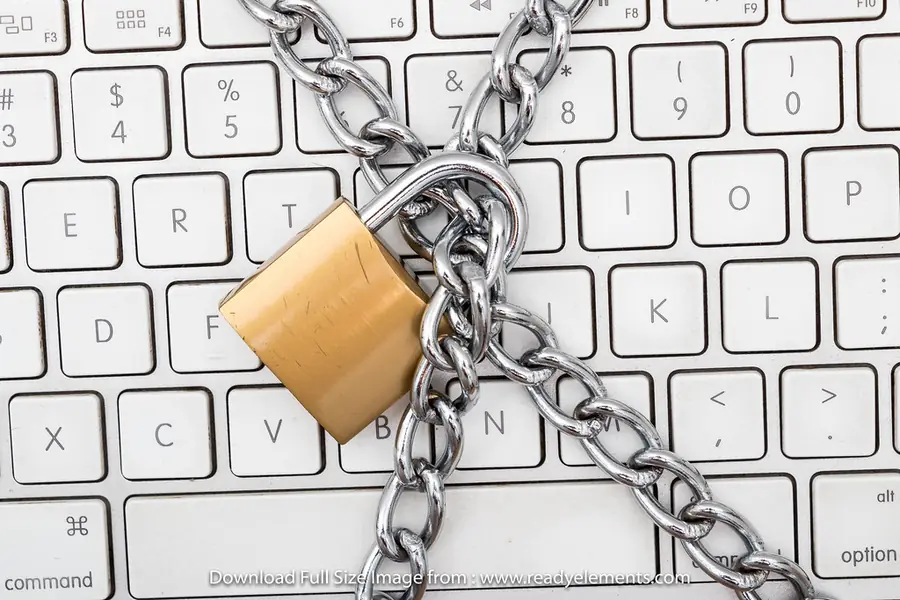
A strong password should be long, unique and hard to guess. The problem is that no one remembers such passwords, so people reach for simple and repeated ones. But there is a golden middle path: a password that is strong yet you remember it, because it comes from your own words. Try it below.
Try the password generator
Enter a few words you can easily remember (they need not be true, it is even better if they are not) and the generator will assemble a strong and unique password from them. Everything happens right in your browser, nothing is sent or stored.
Not happy? Click Generate password again for another version.
Generated right in your browser. Nothing is sent or stored on a server.
How it works
The generator takes your words, transforms them (capital letters, character substitution, numbers and symbols) and assembles them into one password. The result is complex enough to be strong, yet still comes from your words, so you can recall it. Each click gives you a different version, pick the one that suits you.
What makes a password strong
- Length. The longer, the better. The minimum is 12 characters, ideally 16 and more.
- Different character types. Upper and lower case letters, numbers and symbols.
- Uniqueness. Every service should have its own password. When one leaks, the others are safe.
- No common words and patterns. Avoid “password123” or children’s names.
An important note
A password from your favorite words is a great compromise between strength and memorability, but it has one rule: use words that are not publicly known about you. If someone can find your dog’s name and car brand on social media, do not use exactly those. That is exactly why the generator changes and combines the words.
For the most sensitive accounts (email, bank) the safest is a fully random password stored in a password manager. The article on a password manager and two-factor authentication is about how to do that.
Do not forget two-factor authentication
Even the best password is just one layer of protection. Where possible, turn on two-factor authentication (2FA). Even if someone gets the password, without the second step they cannot get in. A modern passwordless alternative is passkeys.
Conclusion
A good password does not have to be an unmemorable mix of characters. When it comes from your words and the generator turns them into a strong and unique form, you get the best of both worlds. And for sensitive accounts, complement it with a password manager and two-factor authentication.
Dealing with password security in your company or want to introduce a password manager for the whole team? Get in touch, we will advise and set it up securely.
Password security and access for your company
We set up password managers, two-factor authentication and company password policies. For homes and businesses across Liptov.
Get in touchThis article is part of our Cybersecurity overview.
Frequently asked questions
What makes a password strong and secure?
How can I remember a strong password without writing it down?
Is it okay to use one password for several accounts?
What is a password manager and do I need one?
How often should passwords be changed?
Is it safe to use an online password generator?
Need help with IT?
We will take care of your computers, networks and security - for businesses and households in the Liptov region.
Contact us