
Jumbo frames and MTU: when they speed up a network and when they hurt
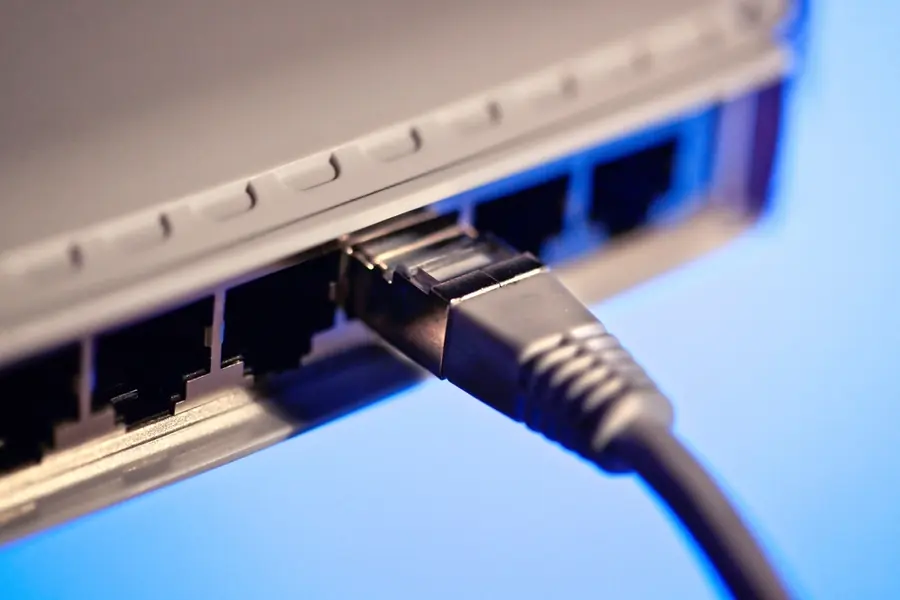
Jumbo frames are one of those settings that sounds like free performance, but can easily do more harm than good. Let us explain what MTU and jumbo frames are, when they actually speed up a transfer and when to leave them alone.
What MTU is
MTU (Maximum Transmission Unit) is the largest size of a data frame (packet) that is sent at once. The standard MTU in ethernet is 1500 bytes. Larger data is split into more frames and sent one after another.
Every frame also carries overhead, that is headers with addresses and control data. That overhead is the same whether the frame carries a lot of data or little.
What jumbo frames are
Jumbo frames are frames larger than the standard 1500 bytes, most often 9000 bytes.
The principle is simple:
- With larger frames, more data is carried per header, so the overhead is a smaller part of the transfer.
- This means a lower load on the network card processor and, during large transfers, higher throughput.
- It shows the most on fast networks (10G and above) and when transferring large files.
When slowly copying small files over ordinary gigabit, the difference is negligible.
The key condition: the same setting along the whole path
This is where jumbo frames fail most often. Jumbo frames must be supported and set the same on all devices along the path - the network card, switch, NAS, and possibly the router.
If one device has MTU 1500 and another 9000, one of two unpleasant things happens:
- Fragmentation (chopping up the frames), which adds overhead and extra work.
- Or the large frames are simply dropped and the transfer stalls.
The result is worse performance, not better. That is why jumbo frames are not switched on randomly on a single device, but deliberately along the whole path.
Where it makes sense
Jumbo frames belong in an environment where a lot of data moves over a dedicated fast network:
- Dedicated storage and server networks.
- NAS and network storage, especially for backups and large file transfers. More in the article NAS and home server.
- iSCSI and backup networks.
- 10G and faster links, where the overhead shows the most. See also 2.5G and 10G ethernet.
On an ordinary home network and towards the internet you do not need it, and it often just causes problems.
Watch out on the internet and WAN
Towards the internet the MTU stays at 1500, on PPPoE connections it is often 1492. Do not use jumbo frames here.
The right frame size along the path is handled by the Path MTU Discovery (PMTUD) mechanism, which finds the smallest MTU along the whole route. The problem comes when something on the way blocks ICMP messages (for example a misconfigured firewall). PMTUD then does not work and you get mysterious failures of large transfers - so-called black holes, where small requests go through but larger transfers freeze. You will find the basics of addressing and gateways in the article networking basics.
How to verify it in practice
Switch jumbo frames on only deliberately within a LAN where the whole path supports it, and always test it. A simple test is a ping with a large packet and fragmentation disabled:
- On Windows:
ping -f -l 8972 NAS_IP - On Linux and macOS:
ping -M do -s 8972 NAS_IP
The value 8972 corresponds to 9000 bytes after subtracting the headers. If the ping goes through without fragmentation, the path handles jumbo frames. If it reports a need for fragmentation or packet loss, some device on the path does not support 9000 and the setting needs fixing. The right cable is also part of the path, more in the article network cables Cat5e, Cat6, Cat7.
Conclusion
MTU is the frame size, the standard is 1500 bytes, jumbo frames typically go to 9000. Larger frames reduce overhead and increase throughput, but only when the whole path supports them the same way. They make sense on fast LANs to NAS, iSCSI and 10G links. The internet belongs to 1500, so keep jumbo frames off. Otherwise a simple rule applies: switch them on deliberately, always test, otherwise keep the default 1500.
Are you setting up a fast network to a NAS or server and want it done right? Get in touch, we will design and tune it, jumbo frames included.
Need a fast network to your NAS or server tuned right?
We set up MTU and jumbo frames along the whole path, test the transfer and remove bottlenecks. For homes and businesses in Liptov.
Book a consultationThis article is part of our Computer networks overview.
Comments and questions 0
We keep the discussion to the point. Ads, links to other services, profanity and personal attacks will not be published. Neither will posts containing other people's personal data.
Frequently asked questions
What exactly is MTU?
What are jumbo frames and why can they speed up a network?
Why can jumbo frames slow a network down instead?
Where does turning on jumbo frames actually make sense?
Why should jumbo frames not be used towards the internet?
How do you check whether a network handles jumbo frames?
Need help with IT?
We will take care of your computers, networks and security - for businesses and households in the Liptov region.
Contact us