
Managed versus unmanaged switch: which to choose
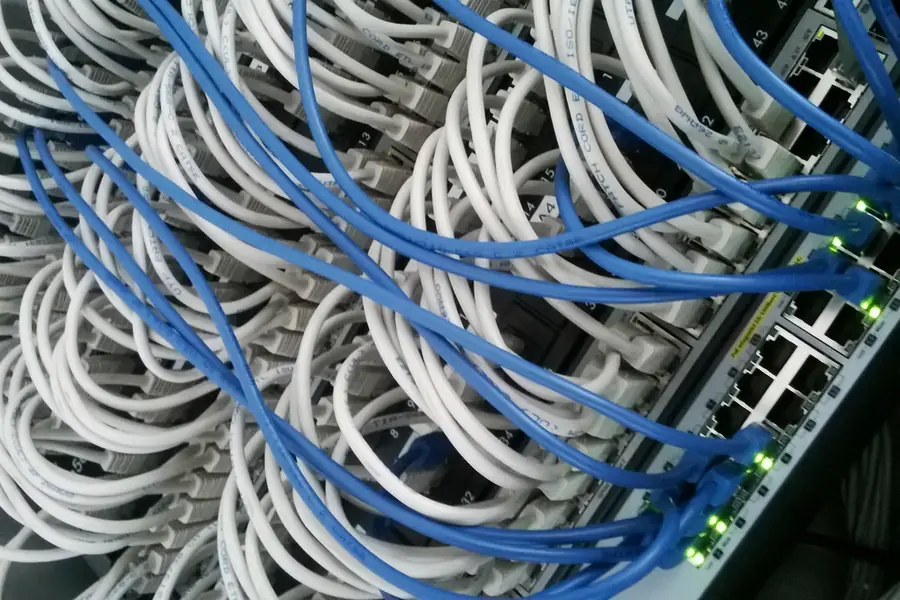
A switch is a device that connects computers and devices into a network. When choosing one, the question comes up: is a simple unmanaged one enough, or do you need a managed switch? Let us explain the difference and advise when each is worth it.
What a switch does
A switch routes network traffic between devices on the local network, similar to a hub but more intelligently. The difference between a switch, router and hub is discussed in the article on router, switch and hub.
Unmanaged switch: plug in and it works
An unmanaged switch is simple, works right after plugging in and cannot be configured. You plug in the cables and the switch routes the traffic.
- Pros: cheap, simple, no configuration, reliable.
- Cons: no advanced features, no overview or control over traffic.
- For whom: homes and small networks where you just need to connect a few devices.
Managed switch: control and options
A managed switch can be configured and offers advanced features. It has its own interface through which you control the network.
What it additionally enables:
VLAN. Dividing the network into separate parts, for example company and guest, more in the article on network separation via VLAN.
QoS (prioritization). Prioritizing important traffic, for example calls over downloads, more in the article on QoS.
Monitoring and overview. You see port load and the network’s state.
Security features. Restricting access to ports, protection against attacks on the network.
Bonding and redundancy, more in the article on bonding and link aggregation.
Pros: full control, network separation, prioritization, overview, security.
Cons: higher price and it needs configuring (or having it configured).
For whom: companies, hotels, venues and anywhere the network needs order and control.
There is also a middle path
Between them are smart (lite managed) switches, which offer part of a managed switch’s features (for example VLAN and QoS) at a lower price and with simpler setup. For smaller companies they tend to be a sensible compromise.
When to choose which
- Unmanaged: a home, small office, connecting a few devices without management needs.
- Smart (lite managed): a smaller company that wants VLAN or prioritization without full complexity.
- Managed: a company, hotel, venue with several networks, cameras, priorities and a need for overview and security.
Conclusion
An unmanaged switch is a cheap solution that just connects devices. A managed switch gives control, network separation, prioritization and an overview that a company appreciates. Choose based on whether you just need to connect, or also to manage and protect the network.
Choosing and setting up a switch
We advise which switch suits your network and configure it for you as well, including VLAN and QoS. For homes and businesses in the Liptov region.
Get switch adviceThis article is part of our Computer networks overview.
Frequently asked questions
What is the main difference between a managed and unmanaged switch?
When is an unmanaged switch enough?
What is a VLAN and why does a managed switch offer it?
What does QoS mean on a switch?
What is a smart or lite managed switch?
Why does a company need a managed switch rather than an unmanaged one?
Need help with IT?
We will take care of your computers, networks and security - for businesses and households in the Liptov region.
Contact us