
MikroTik CAPsMAN: central management of WiFi access points
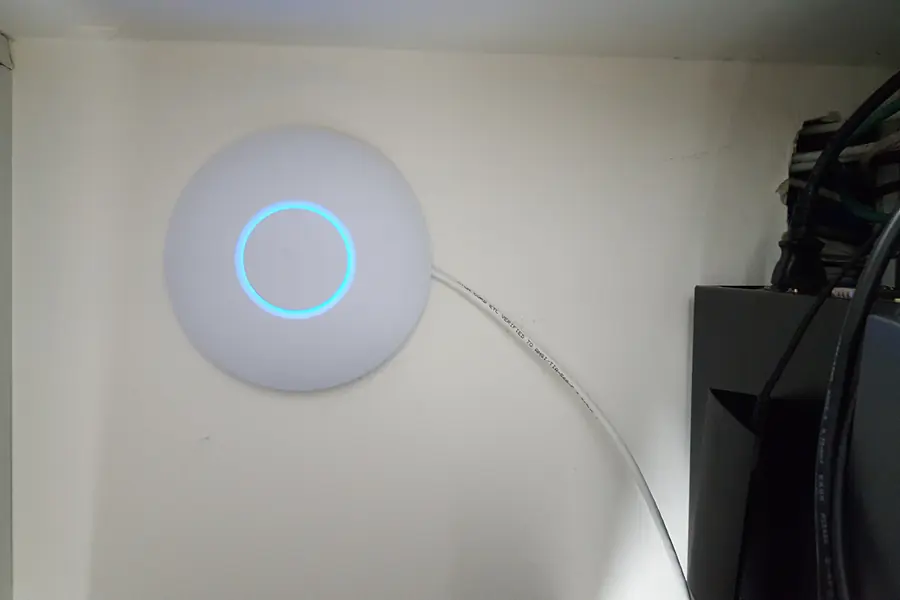
When you have several WiFi access points in a building, configuring each one separately is impractical and error-prone. MikroTik offers an elegant solution for this, CAPsMAN. Let us explain what it is, how it works and when it is worth it. If you do not yet know MikroTik as a brand, start with the portrait MikroTik: why professionals love it.
What CAPsMAN is
CAPsMAN (Controlled Access Point system Manager) is a system for central management of WiFi access points from MikroTik. Instead of configuring and managing each access point separately, you control them all from one place, the so-called controller.
It works like this: one device (the controller) holds the configuration and the other access points (in MikroTik terminology a CAP, that is Controlled Access Point) take the settings from it. You manage only the controller and a change is reflected on all points at once.
How it works in practice
- The controller (CAPsMAN) is the central brain. It can be a MikroTik router or a separate device.
- The access points (CAP) connect to the controller and take the WiFi configuration from it (network name, password, channels, security).
- You change the configuration in one place and it automatically spreads to all points.
Adding a new access point is then a matter of connecting it, the rest it downloads itself.
Main advantages
- One place of management. You control all access points centrally, without logging into each one separately.
- Consistent settings. The same network name, password and security everywhere, without manual mistakes.
- Easy expansion. A new access point is added quickly and takes over the ready configuration.
- Smooth roaming. With the right setup, devices switch between points more smoothly as you move around the building.
- A central overview. You see connected clients and the status of points in one place.
Roaming: why it matters
Roaming means that as you move around a building, your phone or laptop automatically switches to the nearest and strongest access point without a dropout. With separately configured points, a device often clings to one weakening signal. CAPsMAN with a unified configuration makes roaming easier, which hotels, offices and larger homes appreciate. The principle of coverage is also discussed in the article on mesh WiFi.
Where CAPsMAN is worth it
- Companies and offices with several access points.
- Hotels, guesthouses and restaurants, where several rooms and floors need covering.
- Larger homes and buildings, where one router is not enough.
- Warehouses and venues with extensive space.
For a small flat with one router you do not need CAPsMAN. But once you have three or more access points, central management saves time and errors.
CAPsMAN versus other solutions
CAPsMAN is part of RouterOS, so it does not require a separate expensive controller and is cost-effective. An alternative with its own ecosystem is Ubiquiti UniFi, which builds on a similar principle of central management, but with a different approach and interface. We can deploy both solutions, the choice depends on needs and budget.
Well-thought-out power over PoE and possibly separating networks via VLAN, for example guest and company WiFi, fit in nicely here.
Conclusion
MikroTik CAPsMAN turns a group of separate access points into one managed WiFi network with central management, consistent settings and better roaming. For companies, hotels and larger buildings it is a reliable and affordable solution.
Dealing with WiFi coverage in a company, hotel or larger building?
We will design and deploy a centrally managed WiFi network with MikroTik CAPsMAN tailored to you. For homes and businesses in the Liptov region.
Get in touchThis article is part of our Computer networks overview.
Frequently asked questions
What is MikroTik CAPsMAN?
How does CAPsMAN work in practice?
What are the main advantages of CAPsMAN?
What is roaming and why does it matter for WiFi?
When is it worth deploying CAPsMAN?
How does CAPsMAN differ from Ubiquiti UniFi?
Need help with IT?
We will take care of your computers, networks and security - for businesses and households in the Liptov region.
Contact us