
2.5G and 10G ethernet: when a faster network makes sense
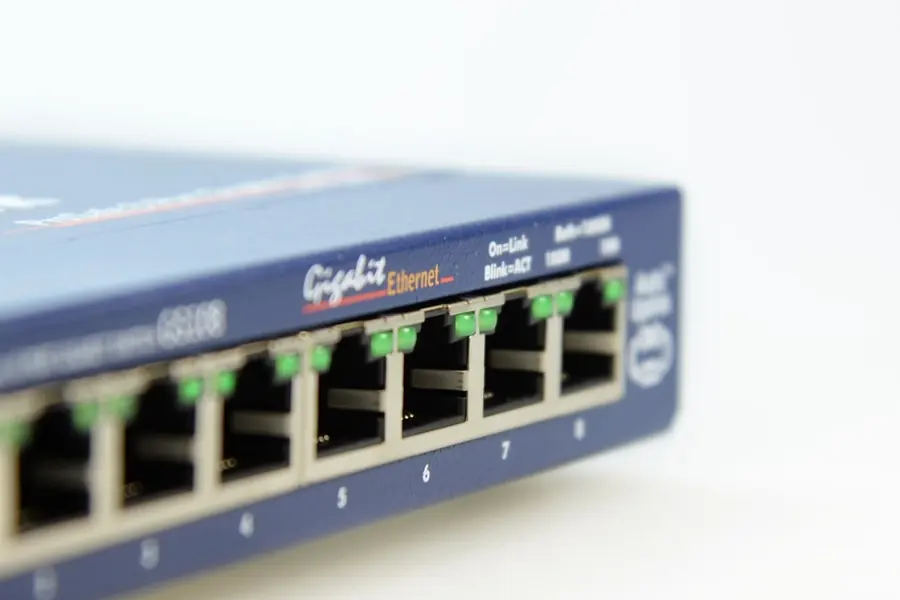
An ordinary home network runs on gigabit (1 Gb/s) and that is enough for most people. But when transferring large data between computers or to a network disk, gigabit starts to hold things back. That is when multi-gigabit ethernet comes into play. Let us explain what it is and when it makes sense.
What multi-gig ethernet is
Multi-gigabit (multi-gig) ethernet are faster versions of the wired network than classic gigabit. Most often it is:
- 2.5G (2.5 Gb/s), that is 2.5 times gigabit,
- 5G (5 Gb/s),
- 10G (10 Gb/s), that is ten times gigabit.
The difference is the speed at which devices in the network send data to each other. Beware, this is not about the speed of the internet from your provider, but about the transfer inside your network.
When it makes sense to go above gigabit
A faster LAN pays off when you really move a lot of data between devices:
- A network disk (NAS). If you back up or edit video right from a network disk, gigabit is a bottleneck. At 2.5G and above you copy significantly faster.
- Transferring large files between computers, for example photos, video, backups.
- Several devices at once, where transfers add up and gigabit is not enough.
- Powerful home or company servers that serve several users.
When it does not help
Let us be fair, a faster LAN is not a cure-all:
- For ordinary internet and web. If you have, say, 500 Mb/s from your provider, a 10G network at home will not speed up the web for you. The limit is the speed of the connection, more in the article internet speed.
- With a slow disk on the other side. Speed is pulled by the slowest link. If there is a slow disk at the end, not even a 10G network will save it.
What you need for it
For multi-gig to work, all the links of the path must support it:
- Network cards or ports on both devices (for example a PC and a NAS). Some boards already have a 2.5G port, otherwise an add-in card helps.
- A switch with multi-gig ports. An ordinary gigabit switch will pull you back to gigabit. There is an article on switches, managed versus unmanaged switch.
- A quality cable. 2.5G runs on Cat 5e over the full 100 metres, for 5G Cat 6 is safer. For 10G over the full 100 metres you need Cat 6A, while plain Cat 6 handles 10G only over a shorter distance (roughly 37 to 55 metres). More in the article network cables Cat5e, Cat6, Cat7.
Where to start
The most sensible first step today is 2.5G. It is cheap, many new boards and NAS units already have it and you only need a 2.5G switch for it. 10G makes sense rather for more demanding deployments, it is more expensive and runs hotter.
Conclusion
Multi-gigabit ethernet (2.5G, 5G, 10G) speeds up data transfer inside your network, which you will appreciate especially with a network disk, moving large files and home servers. It will not help your ordinary internet. For it to work, the cards, the switch and the cable must all support multi-gig. For most people the ideal and cheap start is 2.5G.
Planning a faster network at home or in the company? Get in touch, we will design and connect it correctly.
We will design and connect a faster 2.5G or 10G network
We advise whether multi-gig ethernet is worth it for you, choose the right cards, switch and cable, and connect and test it all. For homes and businesses in Liptov.
Get in touchThis article is part of our Computer networks overview.
Frequently asked questions
What is multi-gigabit ethernet and how does it differ from ordinary gigabit?
When does it pay off to move from gigabit to 2.5G or 10G?
Will a multi-gig network also speed up my ordinary internet from the provider?
What cable do I need for 2.5G, 5G or 10G ethernet?
Is a faster network card enough, or do I also need a new switch?
Should I start straight with 10G, or is 2.5G enough?
Need help with IT?
We will take care of your computers, networks and security - for businesses and households in the Liptov region.
Contact us