
Is it worth switching from HDD to SSD? The best upgrade for an older computer
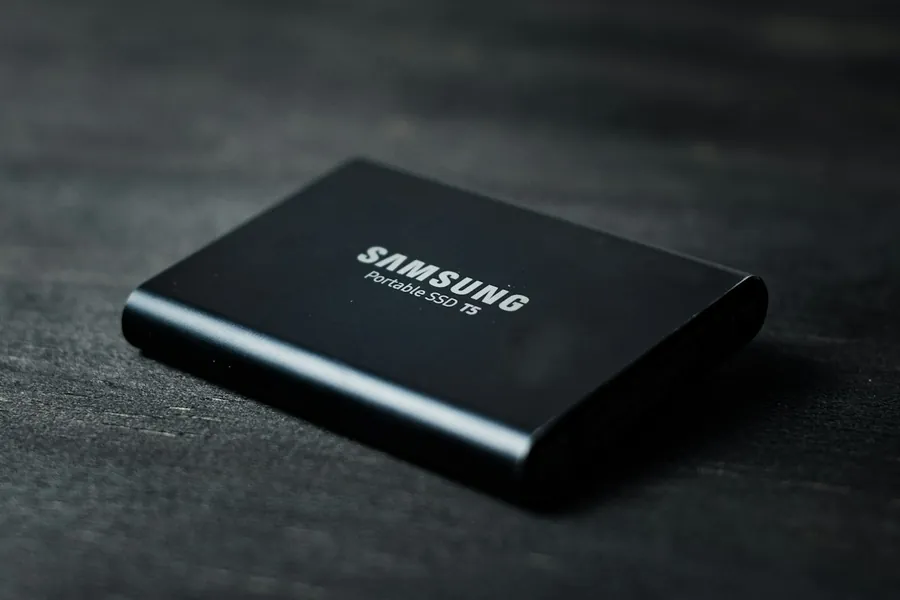
If you have a computer or laptop that is a few years old and has become unbearably slow, we have good news for you. In the vast majority of cases you do not need to buy a new machine. A single part is enough and the computer comes back to life like new. That part is an SSD.
Why a traditional hard drive is the slowest thing in the computer
Older computers use a hard drive (HDD), in which platters physically spin and a moving head reads the data, much like a record player. This mechanical approach is today the slowest link in the whole setup. Even a fast processor and plenty of memory are wasted if the system has to wait for the disk to “find” the data.
An SSD (Solid State Drive) has no moving parts. It stores data in memory chips, so it accesses them almost instantly. The difference is not a few percent, but several times over.
What you actually gain
After replacing an HDD with an SSD you will feel the difference right away:
- The computer starts in a few seconds instead of long tens of seconds.
- Programs and the browser open instantly.
- The system stops “freezing” during ordinary work.
- An SSD is more resistant to shocks, since it has no moving parts, which laptops in particular will appreciate.
SATA SSD or NVMe?
With SSDs you will come across two types:
- SATA SSD uses the same connection as an old disk. It is a huge leap over an HDD and can be fitted into almost any computer.
- NVMe SSD is a small board (M.2) that plugs directly into the motherboard and is several times faster still than SATA. It does, however, require support on the board.
For ordinary work and reviving an older computer, a SATA SSD is already more than enough. If the board supports NVMe, we go straight for it.
You will not lose your data or have to reinstall the system
Many people fear replacing the disk because they think they will lose everything and have to set the computer up from scratch. That is not the case. Using disk cloning we transfer your entire system, programs and files from the old disk to the new SSD one to one. After the swap you will find everything exactly where you had it, only many times faster.
When the upgrade is worth it
Switching to an SSD makes sense almost any time you have a computer with a traditional HDD that feels slow to you. It is the cheapest and most effective improvement you can make for an older machine. We are happy to recommend a suitable SSD, transfer your data to it safely and return the computer to you nice and snappy. Just get in touch.
This article is part of our Repair and maintenance overview.
Frequently asked questions
Will an SSD speed up an older computer too?
Will I lose my data and programs when the drive is replaced?
SATA SSD or NVMe: which one to pick?
Is an SSD worth it in a laptop too?
My computer already has an SSD and still slows down. Why?
Will you replace my drive including the system transfer?
Need help with IT?
We will take care of your computers, networks and security - for businesses and households in the Liptov region.
Contact us