
PCIe lanes: how count and speed affect the whole build
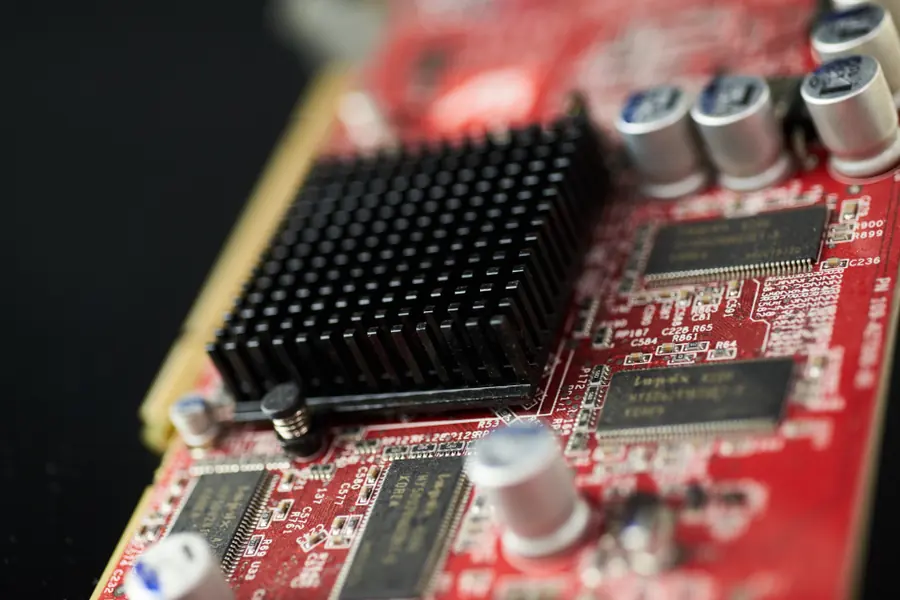
PCIe is today the main highway between the processor and the key components, such as the graphics card and the NVMe drive. How many lanes this highway has and at what speed decides whether the build runs at full power or something needlessly holds it back. Let us explain it.
What PCIe lanes are
PCIe (PCI Express) is a fast connection between the processor or chipset and components (graphics, NVMe SSD, expansion cards). A lane is one two-way data lane. Slots and devices have different numbers of them:
- x1 - small cards (network, sound, expansions).
- x4 - typically an NVMe SSD.
- x8 and x16 - graphics cards (a full slot tends to be x16).
More lanes = a wider road = higher throughput.
Generations: speed per lane
Each new PCIe generation roughly doubles the speed per lane. Approximately (one direction, roughly):
| Generation | Per lane | x4 (NVMe) | x16 (graphics) |
|---|---|---|---|
| PCIe 3.0 | ~1 GB/s | ~4 GB/s | ~16 GB/s |
| PCIe 4.0 | ~2 GB/s | ~8 GB/s | ~32 GB/s |
| PCIe 5.0 | ~4 GB/s | ~16 GB/s | ~64 GB/s |
From this comes a useful rule: PCIe 4.0 x4 has the same throughput as PCIe 3.0 x8. So a newer generation can do the same on fewer lanes.
The processor has limited lanes
This is the core of the problem. The processor provides only a limited number of lanes directly (on ordinary desktops roughly 20 to 28). The chipset adds more lanes, but they connect to the processor over a shared link (DMI), which can be a bottleneck when a lot of data flows through it at once.
So lanes are scarce and the board has to split them among the slots.
The trade-offs that decide performance
- A second NVMe or a second graphics card can split the lanes. The main x16 slot often switches to x8/x8 after another card is added.
- M.2 slots share lanes with SATA ports. After fitting some M.2 drive, part of the SATA ports turns off. Always check this in the board’s manual.
- Graphics usually do not mind the split. A graphics card on x8 (4.0) performs practically like on x16 (3.0). A slower NVMe on fewer lanes or an older generation, however, really slows down, more in the articles M.2 SATA versus NVMe and M.2 keys B, M, B+M.
What to watch when building
- How many lanes and which generation the processor and the board provide.
- How the slots are split and what happens after fitting a second card or drive.
- What shares with what (M.2 versus SATA, a second graphics slot).
Otherwise a fast NVMe or graphics card may run slower than you expected. The articles how to choose a motherboard and how to choose a graphics card help.
Conclusion
Performance over PCIe is set by the number of lanes (x1 to x16) times the generation (3.0, 4.0, 5.0). The processor has limited lanes, so the board splits them among the slots and some things are shared. When building, it pays to know how many lanes you have, how they are split and what turns off after fitting another drive or card. That way you avoid needless slowdown.
Building or upgrading a computer and want to be sure nothing holds it back? Get in touch, we will design a build that is balanced and uses its potential.
Not sure if PCIe lanes are holding you back?
We check the lane layout in your build and recommend a component combination that uses its full potential. For households and businesses in Liptov alike.
Get in touchThis article is part of our Hardware and components overview.
Frequently asked questions
What are PCIe lanes?
What is the difference between PCIe 3.0, 4.0 and 5.0?
Why does the main slot switch to x8/x8 after adding a second card?
Does it hurt a graphics card to run on x8 instead of x16?
Why did some SATA ports stop working after I fitted an M.2 drive?
How do I find out how many PCIe lanes my processor and board have?
Need help with IT?
We will take care of your computers, networks and security - for businesses and households in the Liptov region.
Contact us