
Comparing software licenses: open source, freeware, shareware and more
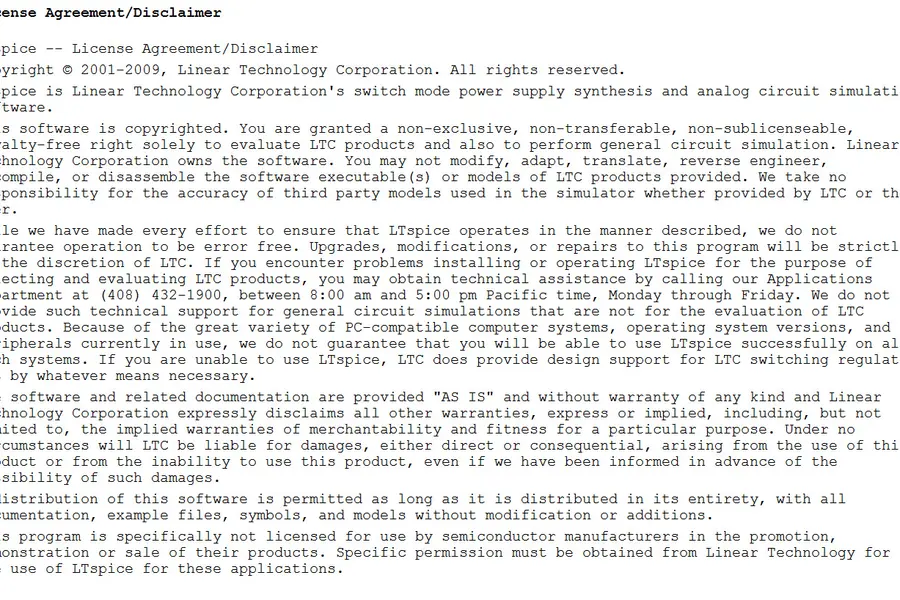
Words like open source, freeware or shareware are heard commonly, but few know what they exactly mean and what of it a company may use. Yet the difference between them decides whether you can legally deploy software at work. Let us compare the license types and explain which software suits where.
Why the license matters
A license is an agreement that says how you may use, copy, modify and distribute software. The fact that a program is free does not yet mean you may use it in a company or for a commercial purpose. This is exactly where companies most often err. Illegal use is a risk, similar to cracked software.
The main license types
Proprietary (commercial) software
Paid software whose source code is closed and whose use is restricted by a license (EULA). You buy the right to use the software, not the software itself.
- Use: according to the purchased license, in a company usually via company (volume) licenses.
Freeware
Software that is free but not open source (the source code is not public). Note, part of freeware is free only for personal use and in a company you would have to pay. Always read the terms.
- Use: free, but company use only if the license explicitly allows it.
Shareware
A “try and pay” model. You try the software for free, but for full and permanent use you need to pay. This also includes trial and demo versions.
- Use: free to try, paid for real use.
Freemium
The basic version is free, advanced features are paid. Today a very widespread model especially with online services and apps.
- Use: the basics free, companies usually pay for advanced features and more users.
Open source
Software with publicly available source code. It can be studied, modified and often freely used. In a company, open source is common and legal, but here too you need to know the license type, because open source has two big families:
- Copyleft (for example GPL). If you modify the software and distribute it further, you must also publish your modifications under the same license. For ordinary use in a company this is not a problem, it matters when distributing your own product.
- Permissive (for example MIT, Apache, BSD). Looser, the code can be used even in a closed commercial product without the obligation to publish modifications.
Many quality alternatives to paid software are open source, more in the article on free software and alternatives.
Public domain
Software completely without copyright, freely usable for anything including commercial use.
A brief comparison
| Type | Source code | Price | Company use |
|---|---|---|---|
| Proprietary | closed | paid | per license (volume) |
| Freeware | closed | free | only if the license allows |
| Shareware / trial | closed | free trial | after paying |
| Freemium | mostly closed | basics free | paid features |
| Open source (permissive) | open | usually free | yes, freely |
| Open source (copyleft) | open | usually free | yes, mind distribution |
| Public domain | various | free | yes, without restrictions |
What to watch for in a company
- Read the license terms. “Free” often means “free for personal use”.
- Company licenses. With paid software, handle the correct number and type of licenses (per user or per device), this relates for example to Microsoft 365 for companies.
- Open source is fine in a company, but when developing your own product, verify the license type of the libraries used.
- No illegal software. Saving via cracks does not pay off for a company.
Conclusion
Software licenses are not just a legal formality, they decide what you may legally use. Proprietary software is paid, freeware tends to be free but with restrictions, shareware is paid after a trial and open source is free, you just need to know the difference between copyleft and a permissive license. In a company it always holds: read the terms and use software legally.
Need advice on legal software and licenses for your company? Get in touch, we will help choose correctly and in line with the rules.
Software and licenses without the risk
We will advise which software is legal for company use and how to set up licenses correctly. For households and companies in Liptov alike.
Get in touchThis article is part of our Software and system overview.
Frequently asked questions
Can a company legally use software that is free of charge?
What is the difference between freeware and open source?
What does a copyleft license like GPL mean?
How does a permissive license differ from copyleft?
What is shareware and how does it differ from the freemium model?
What should a company watch for with software licenses?
Need help with IT?
We will take care of your computers, networks and security - for businesses and households in the Liptov region.
Contact us