
Working with two monitors: why it is worth it and how to connect them
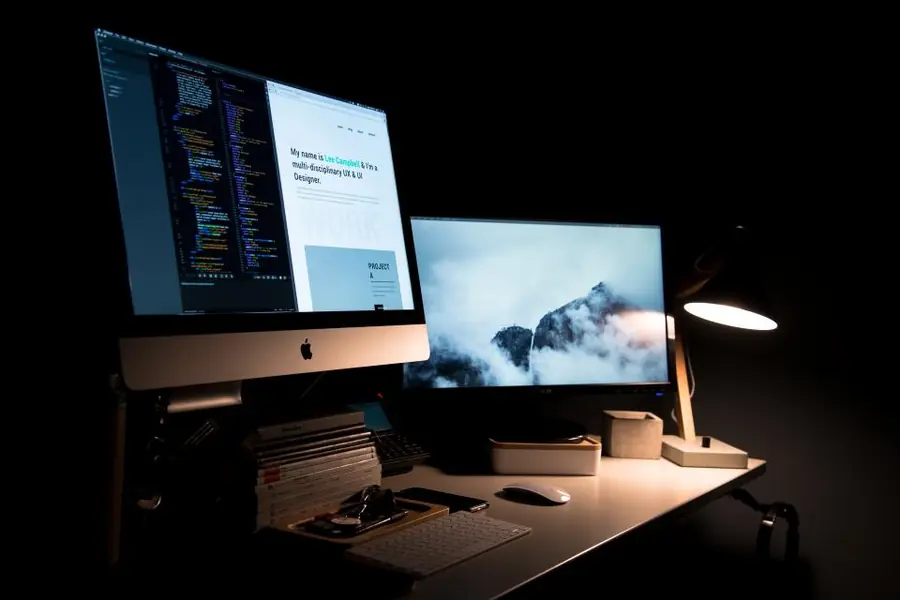
Once you have worked with two monitors, it is hard to go back to one. A second monitor is one of the cheapest ways to speed up your work. Let us explain why it is worth it and how to connect it.
Why a second monitor is worth it
A second monitor boosts productivity, because you do not have to constantly switch between windows. On one monitor you have your main work, on the other email, a document, a spreadsheet or a video call. Both studies and practice show that working with two screens is faster and more comfortable, especially when comparing, transcribing and watching several things at once.
Extended versus duplicated display
When connecting two monitors, you choose the mode in the settings:
- An extended display joins both monitors into one large workspace across which you move windows. This is what you want for work.
- A duplicated display shows the same thing on both monitors, which suits presentations.
How to connect them
You connect the second monitor to a free output on the computer or laptop, most often via HDMI or DisplayPort. Modern laptops can also send the picture over USB-C (if the port supports DisplayPort Alt Mode), often on a single cable together with charging. If the laptop does not have enough ports, a docking station helps by adding outputs and other connectors. After connecting, you just arrange in the system settings which monitor is on the left and which on the right.
Setting it up in Windows
In Windows the quickest route is the keyboard shortcut Win + P, which opens a menu with the modes (PC screen only, duplicate, extend, second screen only). For more detailed settings, go to Settings - System - Display, where you also arrange the monitors physically with the mouse and choose the main monitor (it holds the taskbar and new windows open on it). You move a window between monitors quickly with Win + Shift + arrow.
Resolution and scaling
If you combine monitors with different resolution or size, fine-tune the scaling so text and icons are the same size on both. With a 4K monitor a scaling of 150 % is commonly used, otherwise everything would be too small. Each monitor can have its own scale, so you can match them to each other.
Ultrawide as an alternative
Instead of two monitors, also consider one ultrawide (or curved) display. It offers a continuous area with no gap in the middle, which suits spreadsheets and editing, but for fully splitting two independent images two physical monitors still work better.
What to keep in mind
- The graphics and laptop must handle the second monitor. Most computers today drive two monitors without a problem.
- Height and position. Place the monitors at the same height so your neck does not hurt.
- They do not have to be identical. Feel free to combine two different monitors, though identical ones look better.
- Resolution and refresh rate depending on what you use the monitors for, more in the article how to choose a monitor.
Want to expand your workspace with a second monitor? Get in touch, we will advise on the choice and connection so it works the first time.
A second monitor without the hassle
We will advise on choosing a monitor, connecting it and setting up scaling so you can work comfortably right away. For households and companies in Liptov alike.
Get in touchThis article is part of our Hardware and components overview.
Frequently asked questions
Is a second monitor worth it for a home office too?
What is the difference between an extended and a duplicated display?
How do I connect a second monitor to a laptop?
How do I quickly switch the display mode in Windows?
Why does text look a different size on each monitor and how do I fix it?
Is one ultrawide monitor better than two regular ones?
Need help with IT?
We will take care of your computers, networks and security - for businesses and households in the Liptov region.
Contact us