
Browsers: Chrome, Firefox, Edge and Brave and which to choose
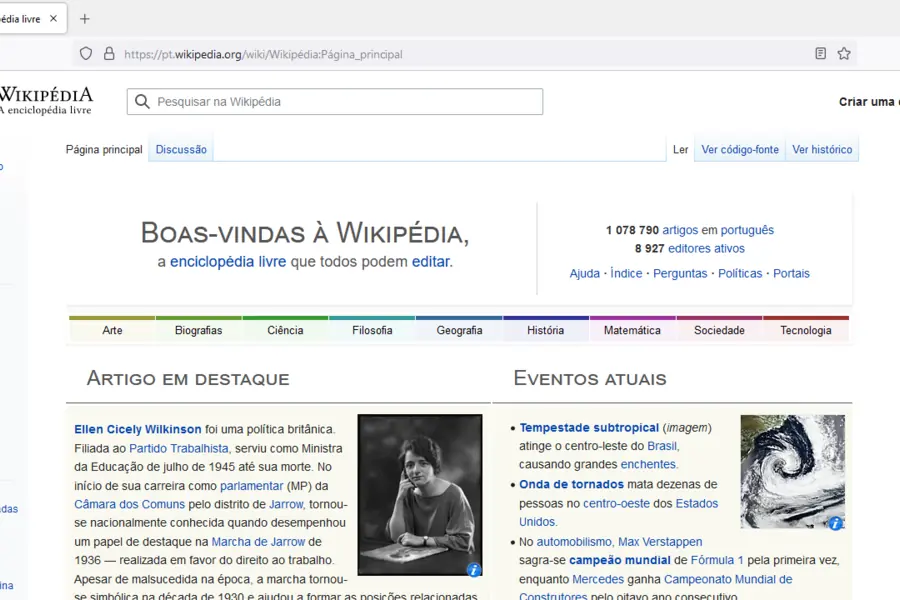
A browser is a window to the internet and we use it daily, yet few think about which is best for them. Chrome, Firefox, Edge or Brave do the same thing at the core, but differ in speed, privacy and resource use. Let us compare them.
What a browser does
A browser displays web pages. All common browsers handle the same thing, so the difference is mainly in speed, privacy protection, memory use and add-ons.
Chrome
The most widespread browser, from Google. It is fast and has the most extensions, but is known for higher memory use and for Google collecting data about users through it.
Firefox
An independent browser from Mozilla with an emphasis on privacy. It is open, has good extensions and tends to be gentler on memory. A good choice if you do not want to be tied to big corporations.
Edge
A browser from Microsoft that is in Windows by default. It is fast and well integrated into the system, built on the same base as Chrome, so it also handles its extensions.
Brave
A browser focused on privacy that blocks ads and tracking by default. It is fast and suitable for those bothered by advertising and tracking across the web.
The shared Chromium base
An important thing few people know: Chrome, Edge and Brave all stand on the same Chromium core from Google. That is why they cope with the same sites and extensions and feel similar to use. The exception is Firefox, which runs on its own Gecko engine from Mozilla. That makes Firefox the only major independent alternative, which is also good for healthy competition on the web (if Chromium controlled everything, a single player would decide the direction of the web).
A comparison in brief
| Browser | Strength | Suitable for |
|---|---|---|
| Chrome | speed, extensions | Google users |
| Firefox | privacy, independence | those who care about privacy |
| Edge | Windows integration | Windows users |
| Brave | ad blocking | those bothered by ads |
What to look at
- Privacy, that is how much data the browser collects.
- Memory use, important on a weaker computer (there Firefox or Edge help).
- Sync of bookmarks and passwords between devices.
- The extensions you need.
How to choose by priority
There is no single best browser, only the one that suits you most:
- Privacy first: Brave or Firefox.
- Performance and the most extensions: Chrome.
- Windows and Microsoft 365 ecosystem: Edge.
- A weaker or older computer: Firefox or Edge, which tend to be gentler on memory.
Switching between them is easy, most can import bookmarks and passwords from your previous browser on first launch, so you lose nothing.
A security tip
Regardless of your choice, keep the browser always up to date and install only trusted extensions, because malicious add-ons can steal data. For sensitive work on someone else’s network, a VPN and caution on public wifi also help.
Not sure which browser to choose or how to set it up safely? Get in touch, we will advise. You will find more free programs in the article free software and alternatives.
Not sure which browser suits you or how to secure it?
We advise on choosing, setting up and securing a browser to fit your needs. For homes and businesses in Liptov.
Get browser adviceThis article is part of our Software and system overview.
Frequently asked questions
Which browser is the fastest?
Which browser protects privacy the best?
Why do Chrome, Edge and Brave share the same Chromium core?
Which browser is best for a weaker or older computer?
Will I lose bookmarks and passwords when switching browsers?
How do I choose a browser by priority?
Need help with IT?
We will take care of your computers, networks and security - for businesses and households in the Liptov region.
Contact us