
Why regular computer maintenance matters
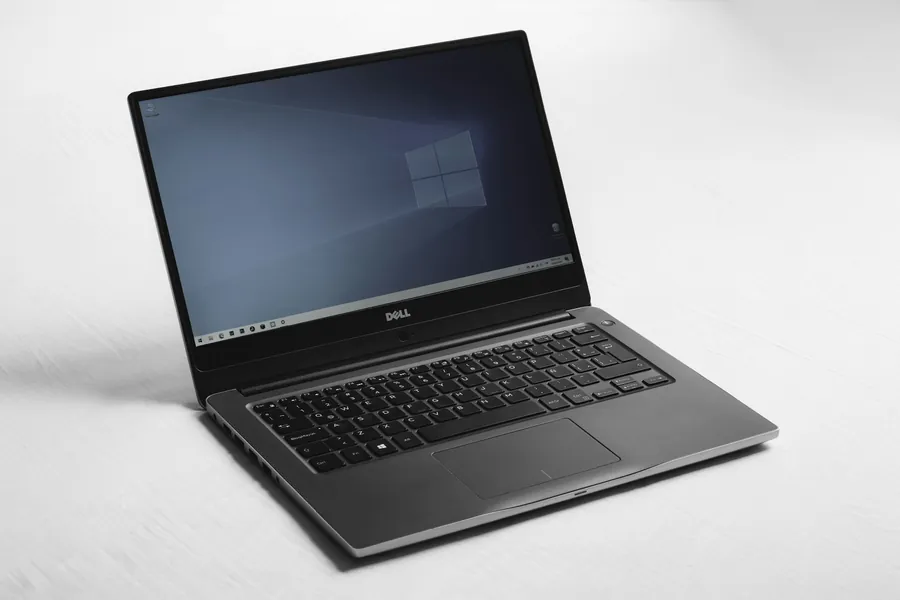
A computer is a bit like a car. It works until you stop paying attention to it, and one day it speaks up, usually at the worst possible moment. Preventive maintenance is the regular upkeep that heads off such problems. It is not a luxury but a sensible insurance policy that, in the end, costs you less money and fewer nerves. Let us explain why it pays off.
What maintenance involves
A regular checkup of a computer or laptop usually means:
- cleaning out dust (fans, heatsinks, the inside of the case),
- replacing dried-out thermal paste between the processor and the cooler,
- checking processor and graphics temperatures under load,
- checking drive health (SMART), which can warn of an impending failure,
- updates and cleaning the system of clutter,
- verifying that the backup works.
Why it matters
1. It prevents overheating
The most common silent killer of performance is dust. It gradually clogs the cooling, temperatures rise, and the processor starts throttling itself to avoid damage (so-called throttling). The computer is suddenly slow, noisy and sometimes shuts itself down. Regular cleaning and repasting prevent this and keep the machine cool and quiet, as we also cover in the article on CPU cooling.
2. It extends lifespan
Components that run cooler and in a clean environment simply last longer. High temperatures and built-up dust speed up ageing. Maintenance is therefore the cheapest way to get the most years out of a computer.
3. It keeps things snappy
A slow computer is not always about weak hardware. Often a cluttered system, a full drive and overheating are to blame. Regular upkeep restores the responsiveness you were used to, often without having to buy anything.
4. It protects your data
Drives do not always fail without warning. Checking drive health often catches the first signs before you lose your photos, documents or company data. Combined with proper backups, it is the best protection against the worst-case scenario. Maintenance is also a good moment to notice the warning signs that a computer needs servicing.
5. It is cheaper than a repair
A preventive checkup costs a fraction of a new graphics card, drive or motherboard after overheating or failure destroys them. Preventing a problem is almost always cheaper than dealing with its consequences.
Laptops need it all the more
Laptops have compact cooling that clogs with dust faster than a desktop. So overheating appears more often in them and maintenance is even more important, especially if you use the laptop daily or for demanding work.
How often
As a rough guide: a desktop once a year, a laptop every one to two years, gaming and more heavily loaded machines more frequently. Company computers are worth maintaining regularly as part of IT management, so the failure of one machine does not hold up the whole operation.
We will do the maintenance for you
When did your computer last have a checkup?
We will clean and repaste your computer or laptop, measure the temperatures and check the drive health and the backup. For homes and businesses in the Liptov region.
Arrange a checkupThis article is part of our Repair and maintenance overview.
Frequently asked questions
What does preventive computer maintenance include?
How often should a computer be serviced?
Why does a computer overheat and slow down?
Does a laptop need maintenance more often than a desktop?
Is preventive maintenance worth the money?
Can a drive failure be predicted in advance?
Need help with IT?
We will take care of your computers, networks and security - for businesses and households in the Liptov region.
Contact us