
Quishing: scam QR codes that take your money
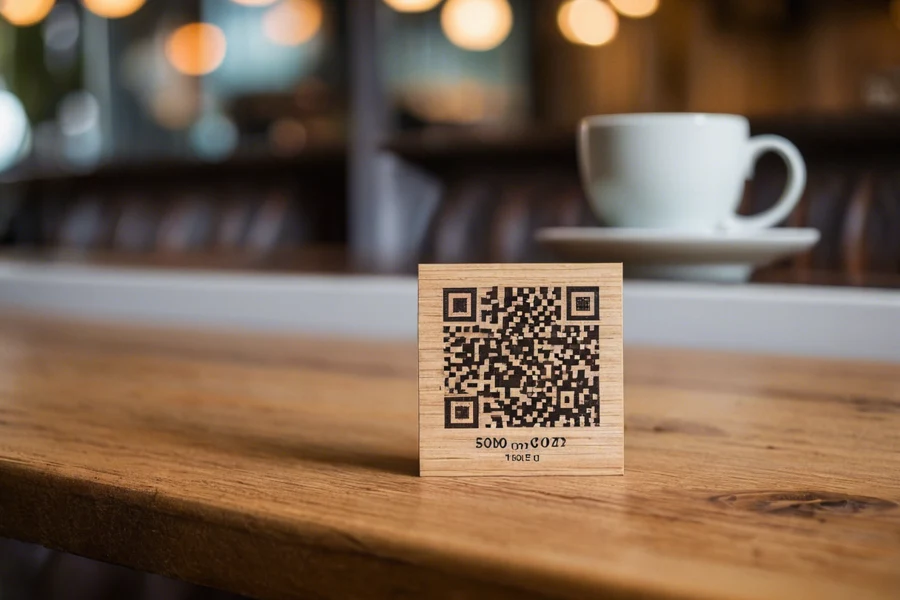
You park in the city, there is a QR code for quick payment on the machine, you scan it with your smartphone, a payment page opens and you enter your card. A few minutes later far more than the parking fee disappears from your account. Welcome to the world of quishing, a scam that has grown sharply in recent years and is tricky precisely because we trust a QR code without thinking.
What quishing is
Quishing is a blend of the words QR and phishing. It is phishing hidden inside a QR code. The scammer hides a link to a fake page that looks like a payment gateway, a bank login or a verification form. You do not read the address with your eyes, you only see a square full of dots, so you have no idea where it actually leads.
Why a QR code lulls your attention
With a suspicious email, many people now check the link address. With a QR code you cannot:
- You cannot see where it leads. The address is hidden in the image.
- We associate it with trust. We know QR codes from restaurants, invoices and offices.
- It is fast. We scan and act, without stopping to think.
Scammers build on exactly this convenience.
Where it appears most often
- Stickers placed over parking machines and chargers. They stick their own code over the real QR code. This is the most common case today.
- Invoices and emails. A fake QR with a payment to the scammer’s account, more in the article on fake invoices.
- Parcel delivery messages with a request to pay extra customs or postage.
- Posters and flyers with a tempting offer or contest.
- Fake requests to verify or refund an overpayment, similar to scam messages.
How the scam plays out
- The scammer places a QR code where you expect it.
- You scan it and a convincing looking but fake page opens.
- The page asks for card details, a bank login or personal data.
- You enter them in good faith and send them straight to the attacker.
How not to get caught
- After scanning, always check the address that appears before you enter anything. Does the site name not match? Enter nothing.
- A sticker placed over something else is a warning sign. On a machine, try with your thumb whether there is another QR code underneath.
- Do not pay via a QR from an unknown source. Rather open your bank app or the official site you find yourself.
- Never enter your card or a password on a page you reached via a QR code from a public space.
- If unsure, verify the suspicious link or ask.
The good news is that scanning alone usually does no harm. The danger is only entering details. So if you only scanned and filled nothing in, close the page and you are fine.
Companies: watch QR codes on invoices
In companies a favourite trick is to slip in a fake QR code with a payment to the scammer’s account. An employee scans, pays and the money is gone. Verify the account number through another channel too, pay through the company banking system and brief staff about this trick. If you create your own QR payments, we show how in the article QR payment on an invoice and how to create a QR code safely.
If you want your company better prepared against such scams, get in touch and we will set up rules and training.
We will protect your company against QR scams
We set up payment verification, train employees and advise how to work safely with QR codes. For households and businesses in Liptov.
I want to protect myselfThis article is part of our Cybersecurity overview.
Comments and questions 0
We keep the discussion to the point. Ads, links to other services, profanity and personal attacks will not be published. Neither will posts containing other people's personal data.
Frequently asked questions
What is quishing?
Where do scam QR codes appear most often?
How do I recognise a scam QR code?
Is it safe to pay via a QR code?
I scanned a suspicious QR code, what should I do?
How do we protect the company against quishing?
Need help with IT?
We will take care of your computers, networks and security - for businesses and households in the Liptov region.
Contact us