
Provider router vs your own: is it worth replacing the box?
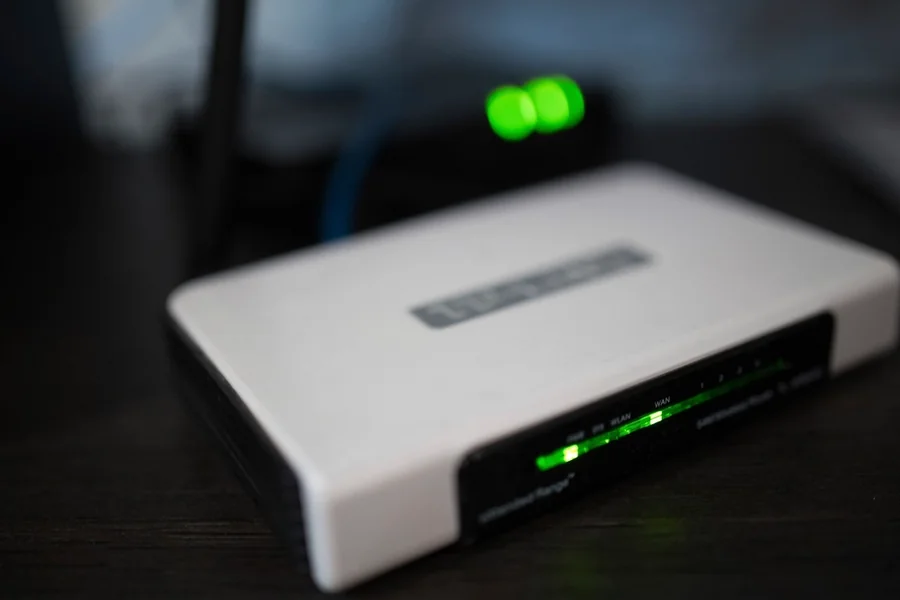
Everyone knows the box from their provider: a technician comes, plugs something in and the internet works. But that same box is often the reason you have weak Wi-Fi or cannot configure anything. Let us look at when your own router is worth it and when it is better to leave everything as it is.
What the box actually does
The provider’s device is usually several things at once: a modem (or, with fibre, an ONT converter), a router and a Wi-Fi transmitter in one. It is fine for the basics. But it is a cheap universal solution that does not bother with anything extra and handles Wi-Fi “somehow”.
Why people add their own router
- Weak Wi-Fi. The box often sits in a corner by the entrance or in a utility room, from where the signal does not cover the whole house.
- No settings. You cannot really manage it, separate guests, enable parental controls or a VPN.
- Weaker hardware. With several devices and 4K streaming, a cheap box simply cannot keep up.
A good router of your own solves this: stronger and better placed Wi-Fi, clear settings, a guest network and regular security updates.
Double NAT: a common mistake when connecting
When you simply plug your own router behind the provider’s box and both devices route the network, you get double NAT, that is the network “behind two doors” at once. The internet works, but remote access, online gaming and cameras get complicated.
The correct solution is to switch the provider’s box into bridge mode. The box then only passes the internet through and your router alone takes care of the whole network. With fibre, the ONT converter stays and you connect your own router behind it. If the provider does not allow bridge mode, you can at least turn off its Wi-Fi and connect the router as an access point. Either way, one proper router covers the house better than a Wi-Fi repeater.
When to leave the box alone
- If your TV or phone from the provider also runs through it, some services may be tied to it.
- Some providers lock the box and do not allow bridge mode. Then you have to proceed according to the specific provider.
- If your current Wi-Fi covers the whole flat without problems, replacement may not make sense.
How we approach it
Router replacement and network setup
We assess whether your own router is worth it in your case, switch the box into bridge mode and set up the Wi-Fi so the signal covers the whole house without dropouts. For homes and businesses in the Liptov region.
Get help with your routerThis article is part of our Computer networks overview.
Frequently asked questions
What does the provider's router actually do?
When is it worth getting your own router instead of the provider's box?
What is bridge mode and what is it for?
What is double NAT and why is it a problem?
Can the provider's router be used as an access point?
When is it better to leave the provider's box alone?
Need help with IT?
We will take care of your computers, networks and security - for businesses and households in the Liptov region.
Contact us