
Network cables: Cat5e, Cat6, Cat6a and Cat7 and which to use
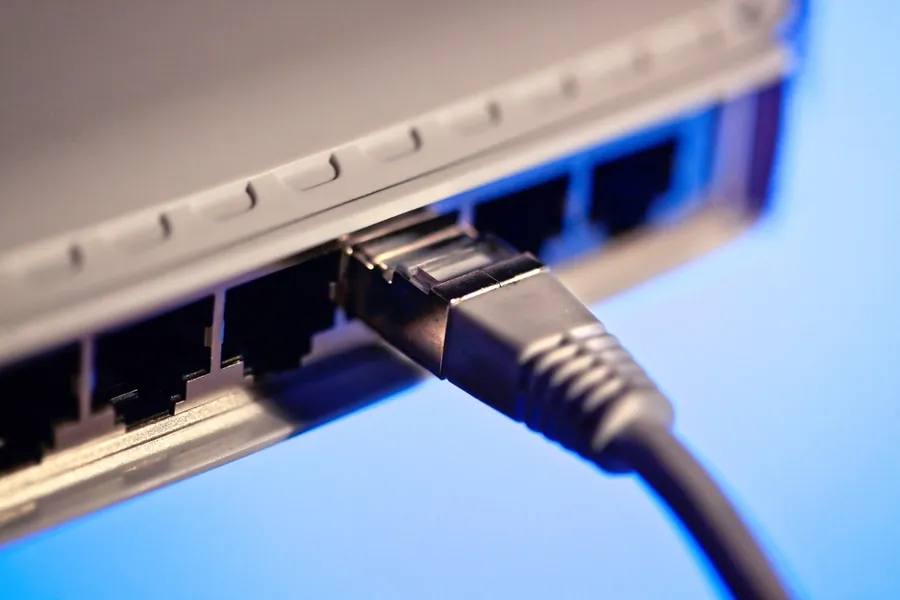
Network (ethernet) cables look the same from the outside, but the packaging states a category: Cat5e, Cat6, Cat6a or Cat7. That is what decides what speed and over what distance the cable can handle. Let us explain how they differ and which to use, so you neither overpay nor limit yourself.
What the categories mean
The abbreviation Cat means category, and a simple rule applies: a higher number means a higher transfer capability and better resistance to interference. A higher category handles a higher frequency, and therefore more data, and better suppresses crosstalk between the wires inside the cable. Cables are backward compatible, so a newer cable works in older equipment too, it just drops in speed to the slower one.
Overview of the categories
- Cat5e carries 1 Gbit/s up to 100 meters. It has been the most common cable for years and is perfectly enough for an ordinary home with gigabit internet.
- Cat6 also handles 1 Gbit/s up to 100 meters, plus 10 Gbit/s over a shorter distance (roughly up to 50 meters). It has better shielding and less crosstalk, suiting new installations.
- Cat6a carries a full 10 Gbit/s up to 100 meters. It is thicker and better shielded, a sensible choice with a reserve for the future.
- Cat7 is fully shielded and handles 10 Gbit/s, but requires special connectors and is marginal in practice. For most deployments Cat6a is the better and simpler choice.
For completeness, there is also Cat8 for 25 and 40 Gbit/s, but only over very short distances in data centers.
Limits: length and speed
Two things to keep in mind. First, ethernet has a 100-meter limit per segment. For a longer distance you need a switch in between or to move to fiber. Second, the weakest link sets the speed. To have 10 Gbit/s, it must be supported by the cable as well as the network card and switch at both ends. A quality cable alone will not work miracles on speed.
Shielded versus unshielded (UTP and STP)
- UTP (unshielded) is common and perfectly sufficient for most homes and offices.
- STP (shielded) suits noisy environments, longer routes or places where the cable runs alongside mains power. The shielding must be properly grounded, though, otherwise it does not help.
Solid versus stranded core
Cables also differ in their core. Solid is used for fixed runs into walls and for longer routes. Stranded is more flexible and used for short patch cables to devices that move often. Swapping the two in the wrong place worsens reliability.
Which to use
- An ordinary home, gigabit internet: Cat5e or Cat6 is plenty.
- New runs into walls with a reserve for the future: Cat6a, worth it since cables in a wall last for years.
- A company backbone and 10 Gbit/s: Cat6a, or fiber straight away for long routes.
- Cables for PoE cameras and access points: Cat5e or Cat6, with quality copper and proper installation being what matters.
Practical tips
Do not overdo the category needlessly, Cat6a is unnecessarily expensive for gigabit at home. On the other hand, a reserve into walls pays off, because redoing runs is unpleasant. And note that reliability is often decided more by the quality of the connector and the installation than by the number on the packaging. Also do not run cables parallel to mains power.
Dealing with cabling in a house or company? Get in touch, we will design and deliver tailored runs. More on the choice between cable and wifi is in the article a home network: cable versus wifi.
This article is part of our Computer networks overview.
Frequently asked questions
What is the difference between Cat5e, Cat6 and Cat6a?
Is Cat5e enough for my home?
Is Cat7 worth it?
What is the maximum length of a network cable?
Shielded or unshielded cable?
Does a newer cable work with older equipment?
Need help with IT?
We will take care of your computers, networks and security - for businesses and households in the Liptov region.
Contact us