
Disk encryption: BitLocker, FileVault and LUKS
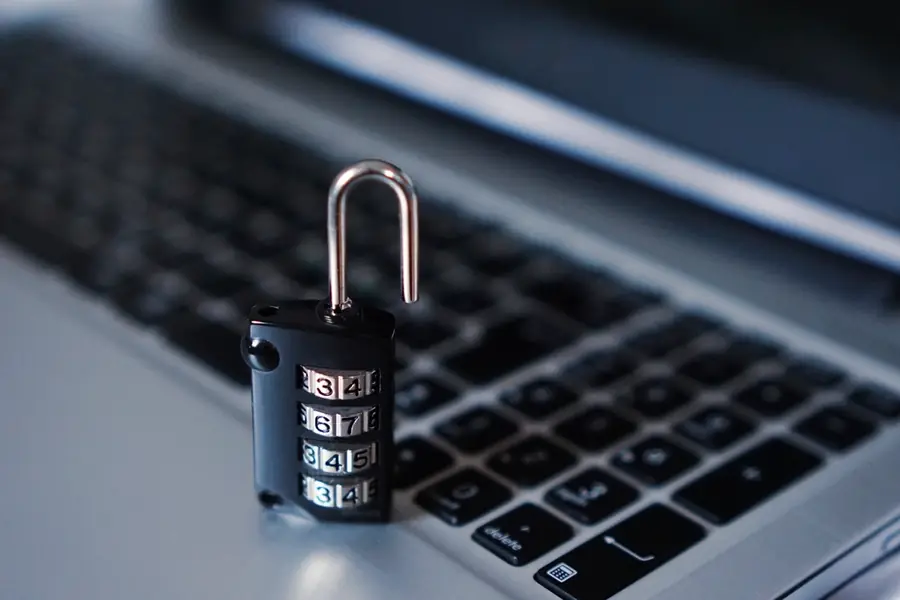
What happens if your laptop is stolen? Without encryption, the thief has access to all your files, even if they do not know the Windows password. Disk encryption is exactly what prevents this. Let us explain how it works and how to enable it.
What disk encryption is
Disk encryption turns all data into unreadable code that can only be read with the right key or password. Without it, the disk’s contents are completely useless, even if someone removes it and plugs it into another computer. A system password alone is not enough, because the disk can simply be removed and read elsewhere. Encryption protects the data itself.
Why encrypt
- Theft or loss of a laptop does not mean a data leak.
- Company and sensitive data stays safe, which is also related to GDPR.
- The privacy of your documents, photos and passwords.
Tools by system
Each system has its own encryption built right in:
- Windows: BitLocker (in the Pro and higher editions), the Home edition has a simpler device encryption.
- macOS: FileVault.
- Linux: LUKS, which can be enabled during installation.
How it works and the recovery key
After being enabled, the system encrypts the disk and at each startup unlocks it with your password, PIN or via a security chip (TPM). The most important thing is the recovery key you get when enabling encryption. It is a rescue code in case you forget the password or the hardware fails. Without the recovery key you lose all data irreversibly.
What to watch out for
- Save the recovery key away from the device, for example printed or in a password manager.
- Back up your data before enabling encryption, as we write in the article on backing up.
- Performance is practically unnoticeable on modern hardware.
- A forgotten password and key mean data loss, encryption is genuinely effective.
When to definitely enable it
We recommend encryption always on laptops (because they travel and can be stolen), on company devices and anywhere sensitive data is held. On a home desktop it is less critical, but does no harm.
We secure your laptops and company data
We will enable encryption on your devices and set up safe storage of recovery keys along with backups, so a stolen laptop never means a data leak. For homes and businesses in the Liptov region.
I want to protect my dataThis article is part of our Cybersecurity overview.
Frequently asked questions
What is a recovery key and where should I save it?
Does disk encryption slow down the computer?
Isn't a Windows password enough to protect my data?
Does Windows Home have BitLocker?
What if I forget my password and lose the recovery key?
Should USB drives and external disks be encrypted too?
Need help with IT?
We will take care of your computers, networks and security - for businesses and households in the Liptov region.
Contact us