
Passwords that protect you: password manager and two-factor authentication
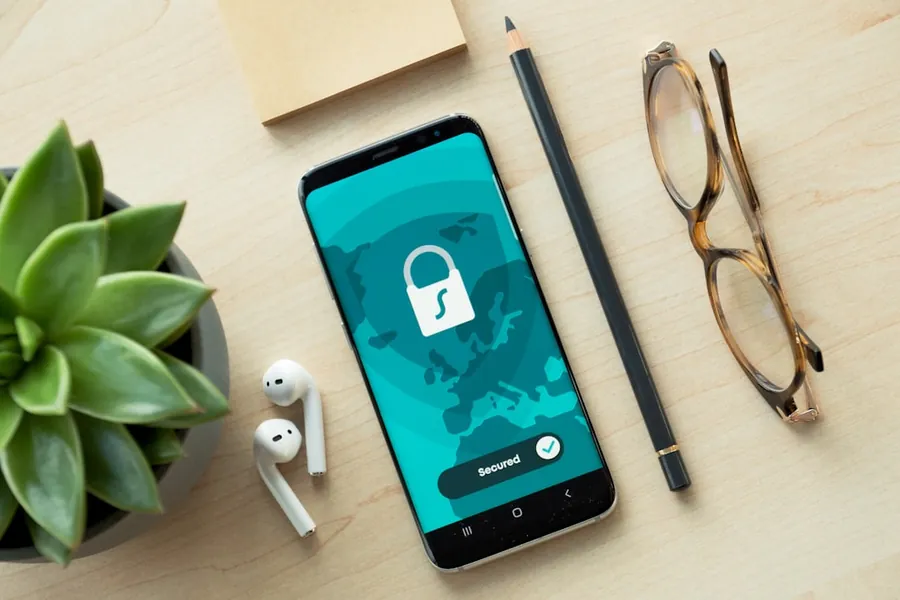
How many different passwords do you really use? A lot of people have one or two passwords that they use almost everywhere. It is convenient, but also dangerous. All it takes is for one to leak from a single service, and an attacker will try it on your email, your bank and your social media. And that is exactly what bots on the internet do automatically.
Why using the same password is a problem
Password leaks happen regularly, even to large and well-known services. When you use the same password in several places, one leak means trouble everywhere. The solution is simple in principle, but impractical without help: every service should have its own long, unique password. But nobody can remember passwords like that. This is where a password manager comes in.
Password manager: one password instead of a hundred
A password manager is an application that creates strong, unique passwords for you and stores them securely in encrypted form. You only need to remember a single master password that unlocks the manager. When you log in, it fills in your passwords for you, so you do not have to type or remember anything.
The benefits are clear:
- every account has a different, extremely hard to crack password,
- logging in is faster and more convenient than before,
- your passwords are available on both your computer and your phone.
Two-factor authentication: a second lock on the door
Even the best password can be obtained by someone, for example through a fraudulent email. That is why two-factor authentication (2FA) exists. In addition to the password, logging in requires a second piece of information, most often a one-time code from an app on your phone. So even with the right password, an attacker stays outside a locked door, because they do not have your phone.
With 2FA there is one recommendation: an authenticator app is safer than a code sent by SMS. SMS can be abused under certain circumstances, a code in an app cannot.
When you turn 2FA on, save the backup (recovery) codes that the service offers you. These are what get you back in if you lose your phone or switch to a new one, and failing to save them is the most common reason people lock themselves out of their own account. Keep them somewhere safe, ideally in your password manager too.
Passkeys: signing in without a password
The most modern way to sign in today is the passkey. Instead of a password, you log in the same way you unlock your phone, that is with a fingerprint, your face or a PIN. The passkey is stored securely on your device, and its private part (the private key) is never sent anywhere during login, so it cannot be captured by a fraudulent site.
The biggest advantage of passkeys is that they resist phishing. Because you enter no password and no code, there is nothing to give away to a fake site. Passkeys are already supported by Google, Apple, Microsoft and many banks and online shops, and they are gradually replacing passwords altogether. Wherever you can, it is worth turning them on, ideally together with a password manager, which can store them too.
Where to start today
You do not have to secure everything at once. Start where it would hurt most if a stranger got in:
- your email inbox (it can be used to reset your other passwords),
- online banking and payment services,
- social media and your main work accounts.
Turn on 2FA on these accounts first, and gradually move to unique passwords in your manager.
We will help you with it
If this sounds complicated, you do not have to figure it out on your own. We are happy to set up a password manager, turn on two-factor authentication on your important accounts, and show you how to use it easily. It is one of the most effective ways to protect both yourself and your business.
Get in touch and we will set it up together.
Let us set up secure logins for you today
We will set up a password manager, turn on two-factor authentication on your important accounts, and show you how to use it easily. For homes and businesses in the Liptov region.
Secure my accountsThis article is part of our Cybersecurity overview.
Frequently asked questions
What is a password manager and how does it work?
Is it safe to store passwords in a password manager?
What is two-factor authentication (2FA) and why turn it on?
Is SMS or an authenticator app safer for 2FA?
What are backup (recovery) codes and why save them?
What are passkeys and how are they safer than a password?
Need help with IT?
We will take care of your computers, networks and security - for businesses and households in the Liptov region.
Contact us