
What TV size for your viewing distance
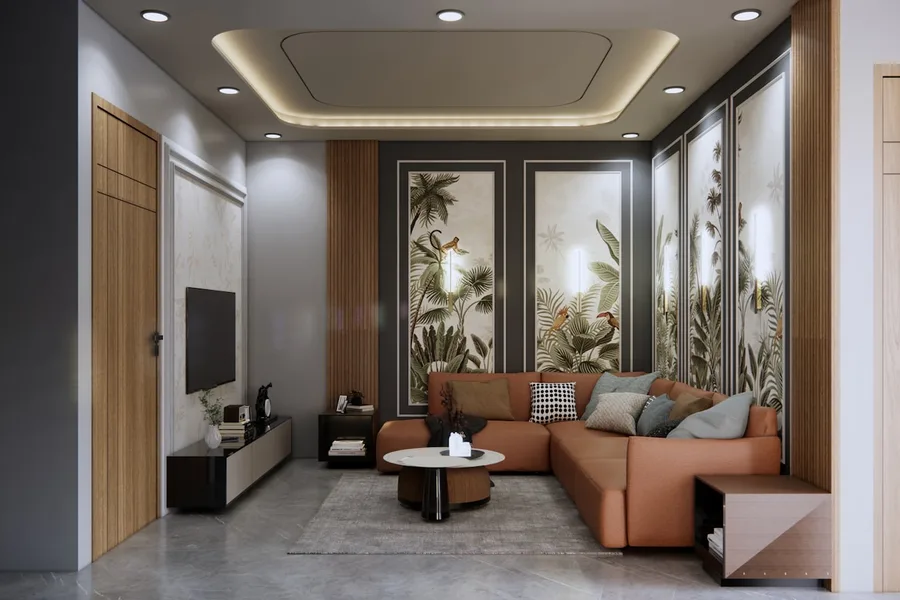
Photo: Naksha Banwao · Unsplash
“Is 55 enough, or should we go 65?” The most common TV-buying question has a surprisingly precise answer: it depends on how far away you sit. In this guide you will find a simple table, an explanation of why bigger is safer today than it used to be, and our TV size calculator, which computes a tailored recommendation.
Why distance decides the size
We do not perceive a picture in inches but as a viewing angle: how much of your field of view the screen fills. Cinema guidelines suggest about 30° for relaxed viewing and roughly 40° for a film experience. The same 65-inch set is “a cinema” from 1.5 metres and a speck in the corner from 4 metres.
The second variable is resolution. With old SD and Full HD screens the rule was “do not sit close, you will see pixels”. With 4K the pixel density is so high you cannot make them out even from half the distance; the lower limit has practically disappeared. Which is why one simple truth holds today: most people buy a smaller TV than would suit them.
Table: distance → diagonal (4K)
| Viewing distance | Comfortable (≈30°) | Cinematic (≈40°) | Typical pick |
|---|---|---|---|
| 1.5 m | 36" | 49" | 43-50" |
| 2 m | 48" | 66" | 55-65" |
| 2.5 m | 61" | 82" | 65-75" |
| 3 m | 73" | 99" | 75-85" |
| 3.5 m | 85" | projector | 85"+ |
Read it like this: the lower bound is “everyday relaxed TV”, the upper one “home cinema”. If you mostly watch films and sport, lean towards the top; if the TV mostly plays in the background, the bottom is fine.
Not in the mood for maths? The TV size calculator takes your distance and returns the exact range plus the nearest sizes actually sold.
Full HD and older content: different rules
With a Full HD TV (or a monitor viewed up close) allow roughly 2.5 times the diagonal, otherwise the pixel grid shows. And beware of a common misconception: a 4K TV does not improve old content. If low-quality SD or HD broadcasts run most of the time, a large diagonal up close exposes every flaw of the signal; pick the lower end of the range instead.
Height and placement: the other half of comfort
- Screen centre at eye level when seated, roughly 100 to 120 cm from the floor.
- A TV high above the fireplace looks great in photos but strains the neck at larger sizes; if there is no other way, at least tilt it.
- Window reflections: glossy panels mirror; consider the position relative to windows or pick a good anti-reflective coating.
- With wall mounting, remember the screen ends up a few centimetres closer than the wall.
Size sorted; what about the panel and formats?
The diagonal range is step one. The final picture is decided by the panel technology (OLED, QLED, LED with dimming); we compared them in display types compared. If the HDR10 and Dolby Vision logos on the boxes confuse you, we untangle them in HDR10 vs HDR10+ vs Dolby Vision. Choosing a computer monitor follows its own rules, summarised in how to choose a monitor.
Prefer not to deal with it yourself?
We will help pick the size and the exact model for your room and viewing habits. We deliver, mount, tune the picture and apps, and connect the sound. For homes in the Liptov region.
Help me choose a TVSummary
TV size follows viewing distance: with 4K, the comfortable range spans “distance ÷ 2.5” to “distance ÷ 1.7”, so 50 to 65 inches at 2 metres and 65 to 75 at 2.5 metres. Most people undershoot: with 4K content a bigger diagonal does no harm, it only pulls you in. Full HD and weak signals demand more distance, the screen centre belongs at eye level, and the panel ultimately decides the picture. Our calculator spits out the exact numbers for your living room in seconds.
This article is part of our Hardware and components overview.
Comments and questions 0
We keep the discussion to the point. Ads, links to other services, profanity and personal attacks will not be published. Neither will posts containing other people's personal data.
Frequently asked questions
How do I find the right TV size?
Will a 65-inch TV be too big at 2 metres?
What distance do I measure with a wall-mounted TV?
Does the same rule apply to Full HD TVs or older content?
Does mounting height matter for size too?
What matters more: a bigger diagonal or a better panel?
Need help with IT?
We will take care of your computers, networks and security - for businesses and households in the Liptov region.
Contact us