
WiFi b, g, n: which standard to stop using
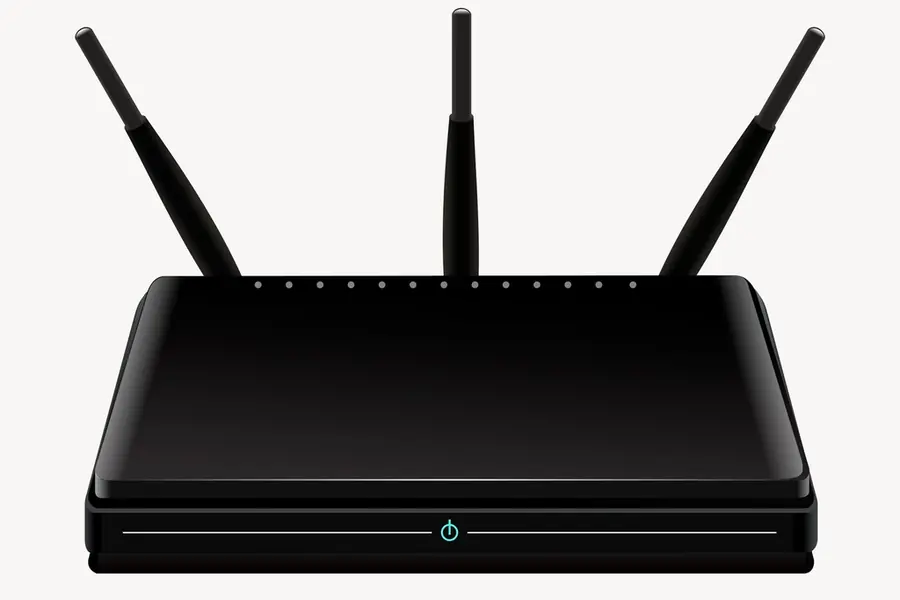
You may have noticed abbreviations like 802.11b, g or n in your router settings and have no idea what they mean or what to leave enabled. Yet it is precisely a wrong WiFi mode setting that can needlessly slow down your whole network. Let us explain what these standards mean and which one to stop using today.
What the WiFi standards b, g, n are
These are older generations of WiFi (technically 802.11), which determine how fast and in what way devices communicate:
- 802.11b is the oldest (from 1999), slow, runs only in the 2.4 GHz band. Real transfers in single megabits.
- 802.11g is newer (2003), still only 2.4 GHz, faster than b, but slow by today’s standards.
- 802.11n (also known as Wi-Fi 4, from 2009) is significantly faster, works in both the 2.4 GHz and 5 GHz bands. This is the minimum that still makes sense.
For completeness, today’s modern standards are Wi-Fi 5 (802.11ac), Wi-Fi 6 (802.11ax) and the newest Wi-Fi 7. The article on Wi-Fi 6 and Wi-Fi 7 covers them.
The main problem: an old standard slows down the whole network
This is the most important part and few people know it. A single old 802.11b device can slow down your entire WiFi network, not just itself.
The reason is that the router has to adapt to the slowest connected device. To get along with old 802.11b too, it switches on so called protection mechanisms, which slow down communication for everyone. In practice, one old device (for example an ancient WiFi camera or a cheap smart appliance) drags down the speed even for modern laptops and phones.
Which standard not to use
- 802.11b definitely not. It is so old and slow that it is worth disabling it directly in the router.
- 802.11g also no longer. It belongs to the past.
- 802.11n (Wi-Fi 4) is the absolute minimum that still suffices for common things. If you have older devices that cannot do more, n is fine.
Put differently: the goal is for the lowest allowed mode to be at least 802.11n, ideally higher.
How to set it in the router
In the WiFi settings there is usually an option with a name like Wireless Mode, 802.11 Mode or Network Mode. The procedure is simple:
- Log in to the router (usually via an address in the browser, see how to secure a router).
- Find the mode setting for the 2.4 GHz band.
- If you have a choice, set the mode to n or newer (for example “802.11n only” or “g/n mixed”, depending on what your devices can handle).
- If you know you have no ancient device, disable support for b and g.
Beware, if you really have an old device that can only do g or b, it will no longer connect after you disable them. In that case consider whether it is not time to replace it.
Use the 5 GHz band too
The b and g standards work only in the slower and crowded 2.4 GHz band. Modern devices can also do 5 GHz, which is faster and less congested. More on interference is in the article WiFi channels and interference. For overall speedup of the home network, how to speed up home WiFi helps.
Conclusion
The WiFi standards b and g are outdated today and, above all, they can slow down the whole network, not just themselves. One old device is enough to brake everyone. So in the router set the lowest mode to at least 802.11n (Wi-Fi 4), disable support for b and g and use the 5 GHz band too. This makes the network faster and more stable.
Cannot find your way around the router settings or dealing with slow WiFi? Get in touch, we will set up and optimize the network for you.
A faster, more stable WiFi network
We review your router settings, disable outdated modes and fine-tune both the 2.4 and 5 GHz bands so your network runs at full speed. For households and businesses across Liptov.
Get in touchThis article is part of our Computer networks overview.
Frequently asked questions
What do the abbreviations 802.11b, g and n in router settings mean?
Why does a single old device slow down the whole WiFi network?
Which WiFi standard should I disable in my router?
What happens if I disable support for 802.11b and g?
Is 802.11n (Wi-Fi 4) still good enough?
How do I set the WiFi mode in my router step by step?
Need help with IT?
We will take care of your computers, networks and security - for businesses and households in the Liptov region.
Contact us