
Windows 11 Dynamic Lighting: RGB lighting from one place
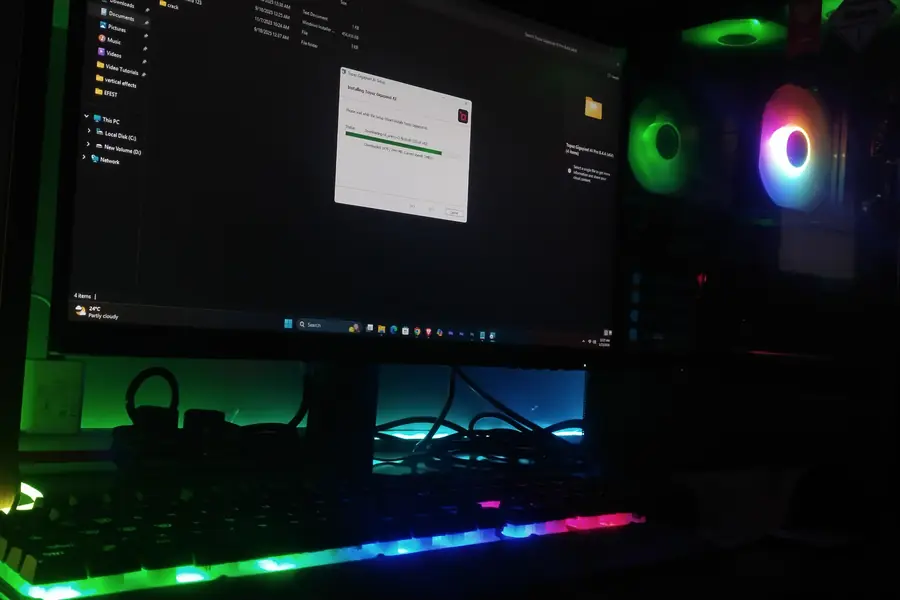
Colorful RGB lighting of keyboards, mice and whole setups is popular, but it has one annoying side: every manufacturer pushes its own app for it, and they often get in each other’s way. Windows 11 brings a solution for this, Dynamic Lighting. Let us explain what it is and how it makes life easier.
The problem Dynamic Lighting solves
If you have a keyboard from one manufacturer, a mouse from another and a mousepad from a third, until recently you had to install three separate apps to control RGB. These programs tend to be large, run in the background, compete with each other and sometimes cause conflicts. Making everything light up in one color is a hassle.
What Dynamic Lighting is
Dynamic Lighting is a Windows 11 feature that lets you control the RGB lighting of compatible devices directly from Windows settings, without installing apps from individual manufacturers. You manage all the lighting in one place and uniformly.
It builds on an open standard (HID LampArray), so devices of various brands can work together under one roof.
What it enables
- One color or effect for all devices at once, regardless of manufacturer.
- Setting brightness, colors and effects from one place.
- Matching the system color (accent), so the lighting fits your desktop.
- No manufacturer apps in the background taking up resources and causing conflicts. This relates to the article on free software and alternatives, which addresses unnecessary extra software.
Apps and games can also control the lighting dynamically, so it can react to what is happening.
Where you find it
You set up Dynamic Lighting in Settings, Personalization, Dynamic Lighting. There you enable control and choose colors, effects and brightness for the connected compatible devices.
What you need for it
- Windows 11 (newer versions).
- Compatible devices. This is important: the device must support Dynamic Lighting (the LampArray standard). Not every RGB device is supported yet, but the list of compatible brands and models is gradually growing.
If your device lacks support, you still control it with the manufacturer’s app as before.
Who it suits
- Gamers and RGB enthusiasts who have devices from various brands and want to match them.
- Anyone who does not want a pile of background apps on their computer just for lighting.
- People who want order and unified control instead of five different programs.
When choosing peripherals, the articles on how to choose a keyboard and mouse and how to choose gaming accessories help.
What to keep in mind
- Device support grows gradually. Older or cheaper RGB devices may not have support.
- Advanced features. Some special effects from the manufacturer’s app may be richer, but Dynamic Lighting covers the essentials simply and without bloat.
Dynamic Lighting in the family of Windows 11 features
Dynamic Lighting is one of the novelties that make gaming and work on Windows 11 nicer. It is complemented by Auto HDR (a nicer picture in games) and DirectStorage (faster loading). Each addresses something different, but together they elevate the experience.
Conclusion
Dynamic Lighting in Windows 11 unifies the control of RGB lighting of various devices in one place, without a pile of manufacturer apps. You just need Windows 11 and compatible devices and you match the lighting of the whole setup in a few clicks. It is a small but pleasant novelty for everyone who has RGB and wants order.
Building a gaming setup?
We will design a computer and peripherals to measure and set everything up so the build performs and matches. For homes and businesses in the Liptov region.
Design my setupThis article is part of our Hardware and components overview.
Frequently asked questions
What is Dynamic Lighting in Windows 11?
Where do I turn on Dynamic Lighting?
Does Dynamic Lighting work with every RGB keyboard?
Do I still need manufacturer apps for RGB lighting?
Can I match the lighting of devices from different brands?
Is Dynamic Lighting available in Windows 10?
Need help with IT?
We will take care of your computers, networks and security - for businesses and households in the Liptov region.
Contact us