
x86 versus ARM: two processor architectures explained
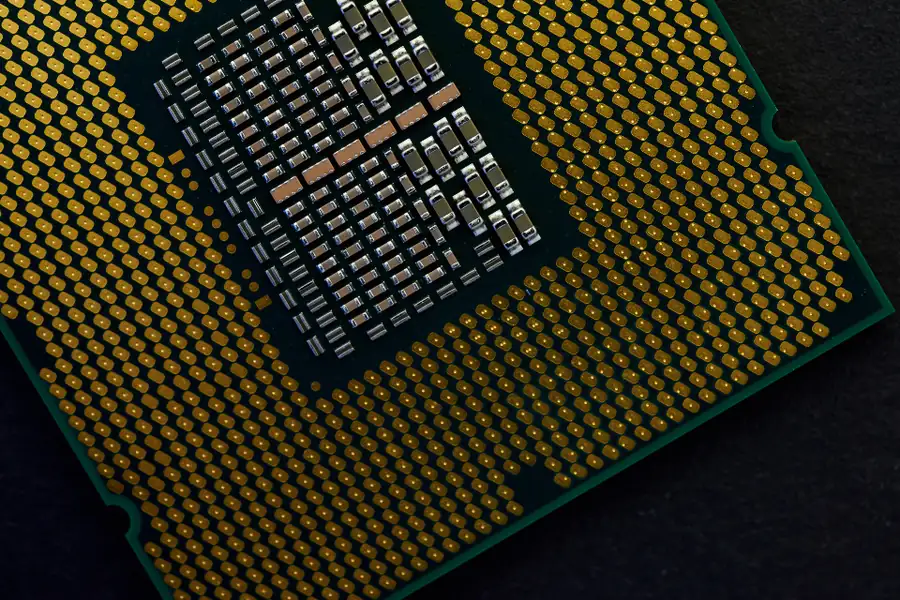
The processor is the heart of every computer, but not all processors speak the same language. In computers and laptops today, two main architectures compete: x86 and ARM. Let us explain how they differ and what it means when choosing a computer or a laptop.
What a processor architecture is
An architecture is essentially the language the processor understands, that is the set of instructions by which it carries out commands. An important consequence is that a program must be prepared (compiled) precisely for a given architecture. So software for x86 does not run on ARM by itself, and vice versa.
x86: the classic in computers
The x86 architecture (in its 64-bit form x86-64) is used by Intel and AMD processors and has ruled desktops and laptops for decades. Its greatest strength is huge compatibility: practically all software runs on it, including games and demanding professional programs. The price for the performance tends to be higher power use and more heat.
ARM: efficiency from mobiles, now in computers too
The ARM architecture originally powered mobiles and tablets, where low power use and long battery life were prized. In recent years it has also entered computers, most famously through Apple Silicon chips (the M series) and ARM laptops with Windows. The surprise is that ARM has caught up with x86 in performance, yet still keeps its excellent energy efficiency, long battery life and quiet operation.
The main differences
- Philosophy. x86 builds on more complex instructions (CISC), ARM on simpler and more frugal ones (RISC).
- Power and battery life. ARM is significantly more frugal, so ARM laptops last longer and heat up less.
- Performance per watt. Here ARM leads, which you appreciate especially on portable devices.
- Compatibility. x86 has broader software support, but ARM is catching up fast.
What it means for program compatibility
Since these are two different languages, a program must have a version for the given architecture, or run through emulation that translates it on the fly (for example Rosetta on a Mac or emulation in Windows on ARM). Most ordinary applications already have native ARM versions today, but with specific or older software it is worth checking in advance.
Where each is better
- x86 is the safe bet for games, demanding professional software, maximum compatibility and desktops.
- ARM excels in laptop battery life, quiet operation and energy efficiency, increasingly on servers too.
For the ordinary user
When buying a laptop, put simply: if you care about long battery life and quiet operation, ARM (for example Apple M or Snapdragon) is a great choice, just check that your software runs on it. If you need compatibility certainty and gaming, reach for an x86 processor from Intel or AMD.
Not sure which processor architecture to choose?
We will advise whether x86 or ARM suits your use, and help with choosing and setting up a new computer. For homes and businesses in the Liptov region.
Get advice on your choiceThis article is part of our Hardware and components overview.
Frequently asked questions
What is the main difference between x86 and ARM?
Why do ARM laptops have longer battery life?
Does the same software run on ARM as on x86?
What is Apple Silicon and which architecture does it use?
Is ARM faster than x86?
Is it worth buying a laptop with an ARM processor?
Need help with IT?
We will take care of your computers, networks and security - for businesses and households in the Liptov region.
Contact us