
Sharing a printer on the network: printing from several computers
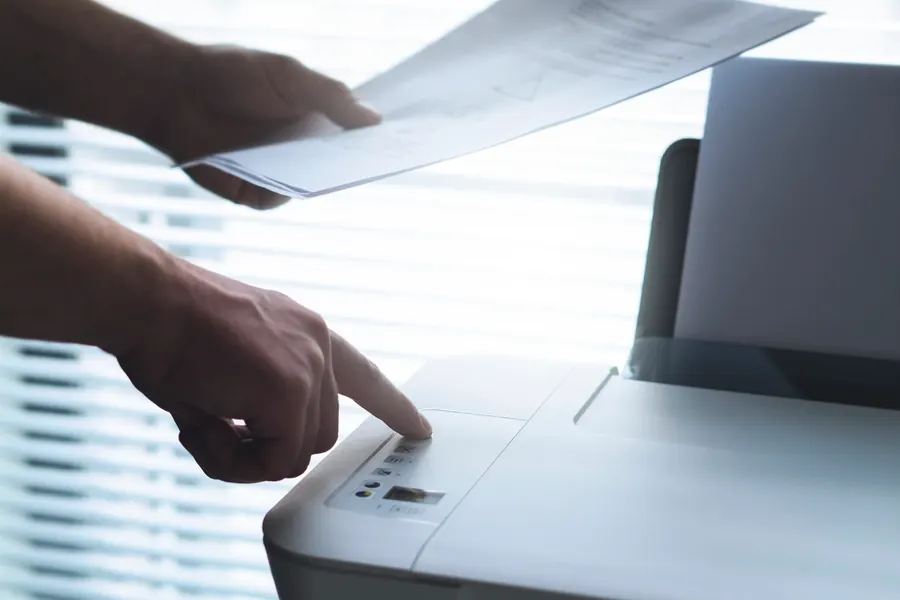
One printer and several computers in a home or office. How do you make everyone print from it without moving it from desk to desk? The solution is sharing the printer on the network. Let us explain how to do it and which method is most reliable.
A network versus a USB printer
It depends on what printer you have:
- A network printer connects directly to the network via cable or wifi and has its own address. Any computer on the network prints from it independently, and that is the best solution.
- A USB printer is plugged into one computer. For others to print from it too, that computer must be on and the printer shared from it.
Most reliable: a network printer
If the printer has a network or wifi module, connect it directly to the network, not through one computer. The printer then works independently, everyone prints from it and you do not depend on whether a particular computer is on. You add a network printer on each computer through the printer settings, where the system usually finds it itself.
Sharing a USB printer
If you only have a USB printer, it can be shared from the computer it is connected to. In the Windows settings you turn on printer sharing and the other computers connect to it over the network. The downside is that the main computer must be on, otherwise the others cannot print.
What to watch out for
- The printer and computers must be on the same network, ideally on the same router.
- A wifi printer should be placed where it has a good signal, related to wifi placement.
- Install the printer drivers on every computer that will print from it.
- In a company, consider a printer in its own part of the network, related to separating a network with VLANs.
Do you need to make a printer available to all computers in a home or company? Get in touch, we will set it up so printing works reliably and without depending on one computer.
A printer available to the whole team
We set up printer sharing and the network so printing works reliably without depending on one computer being switched on. For households and businesses across Liptov.
Get in touchThis article is part of our Computer networks overview.
Comments and questions 0
We keep the discussion to the point. Ads, links to other services, profanity and personal attacks will not be published. Neither will posts containing other people's personal data.
Frequently asked questions
What is the difference between a network and a USB printer?
How do I share a USB printer over the network in Windows?
Why does the printer only print from one computer?
Does the computer have to stay on for a shared printer to work?
Where should I place a wifi printer so it works well?
How do I add a network printer on a computer?
Need help with IT?
We will take care of your computers, networks and security - for businesses and households in the Liptov region.
Contact us