
Drive failed? When data can be saved and what NOT to do
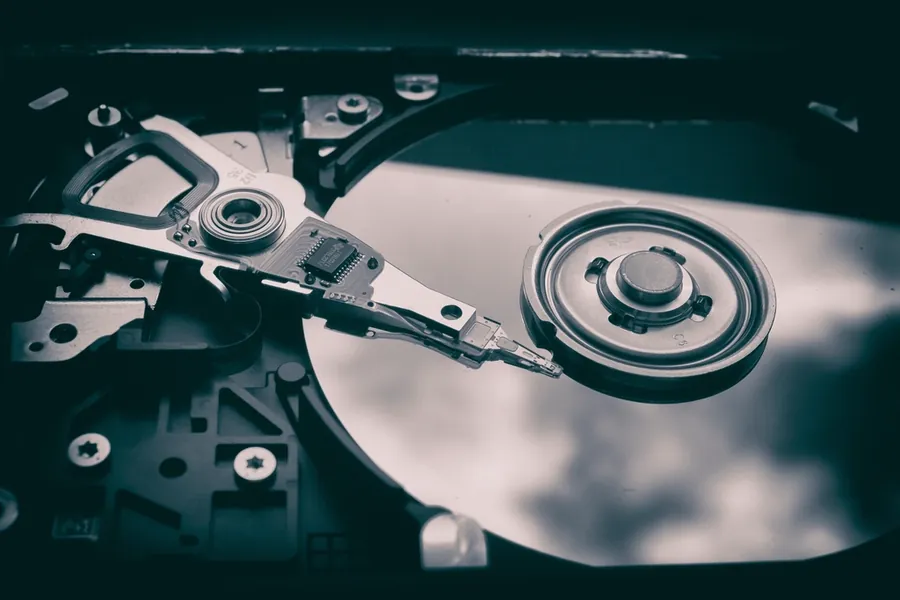
A drive that stops working can be a real fright, especially if it holds photos, documents or company data with no backup. The good news: a lot of data can be saved. The bad news: with the wrong approach you easily reduce the chance of recovery. Let us take it in order.
Two completely different types of fault
Before you do anything, you need to know what is happening. There are essentially two kinds of fault:
- Software (logical). The drive is physically fine, but the data is inaccessible: accidentally deleted files, a formatted drive, a file system damaged after a power cut, a virus. Here the chance of recovery is high.
- Mechanical (physical). The drive itself has broken. On a classic platter drive (HDD) you recognise it by clicking, beeping or scratching, or the drive does not spin up at all. On an SSD it is mainly the controller electronics that fail and the drive suddenly “disappears”. Here great care is needed.
What NOT to do (this decides it)
- Do not keep powering on a clicking drive. Every start damages the failing mechanism further and scratches the platters that hold your data. The more attempts, the smaller the chance.
- Do not run recovery programs on a physically sick drive. A long scan strains it even more. Software only makes sense on a healthy drive.
- Do not open the drive at home. HDD platters are ruined by dust; professional recovery is done in a clean environment (cleanroom).
- Do not freeze the drive. It is an old internet myth; condensation can do even greater damage.
- With accidentally deleted files, stop using the drive immediately. Every further write may overwrite what could still be recovered.
SSD and HDD: deletion is different
On a classic HDD, deleted data stays on the drive until something overwrites it, which is why it can often be recovered. An SSD, however, has a TRIM function that continuously clears deleted cells for the sake of speed. After deletion from an SSD, recovery is therefore much harder or impossible, sometimes within minutes. One more reason to keep a backup.
When you can manage it yourself and when not
If it is about accidentally deleted files on an otherwise healthy drive, a serious recovery program can help, ideally by saving the recovered data to a different drive. But if the drive clicks, does not spin up, is not detected or reports errors (SMART), stop experimenting. This is no longer software but hardware, and every further attempt reduces the chance.
The best recovery is the one you never need
No recovery is one hundred percent, and the professional kind is not cheap. The only truly reliable insurance is a proper backup, ideally following the 3-2-1 rule. While the drive still works is the right time.
Lost data or has your drive started clicking?
We will assess the state before you try to force it, and advise whether the data can be saved by yourself or belongs in a specialised lab. For homes and businesses in the Liptov region.
Get your drive assessedThis article is part of our Data backup and recovery overview.
Frequently asked questions
Can data from a broken drive be recovered?
What does it mean when a drive clicks or beeps?
Why should I stop powering on a clicking drive?
Can a deleted file be recovered from an SSD the same way as from an HDD?
Does freezing a drive help with data recovery?
What is the best way to avoid losing data in the first place?
Need help with IT?
We will take care of your computers, networks and security - for businesses and households in the Liptov region.
Contact us